Table of Contents
CRM Implementation Plan: A 30-Day Rollout for Small Teams
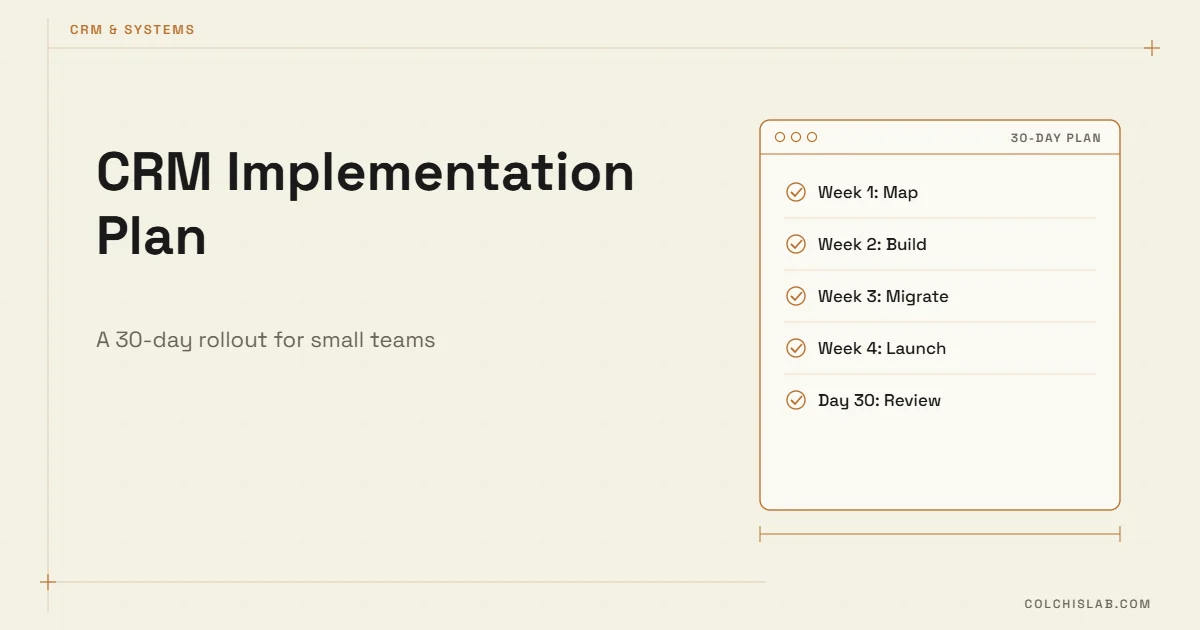
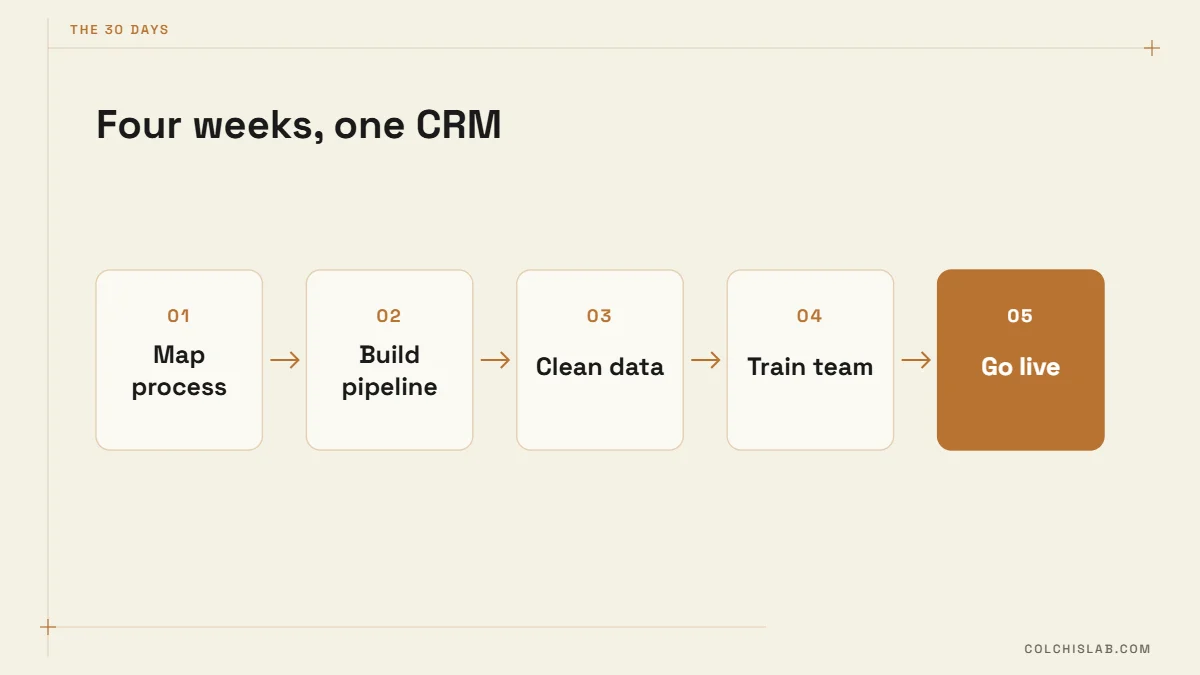
A CRM implementation plan for a small team should fit in 30 days: one week to map how you actually sell, one week to build a lean pipeline, one week to clean and import your data, and one week to train people and switch off the old spreadsheets. Most small-business CRM rollouts don’t fail because of the software. They fail because the team was handed an empty tool with 40 fields and no reason to open it.
This guide gives you the day-by-day CRM implementation plan we use with clients who have 3–25 people touching sales or customer service. It assumes you have already picked a tool. If you haven’t, start with what a CRM is and whether you need one and our HubSpot vs Zoho vs Pipedrive comparison, then come back.
Table of Contents
Before Day 1: Three Decisions That Make or Break the Rollout
Every CRM implementation plan rests on these three. Spend one hour on them before anyone logs in. Skipping them is the most common reason a 30-day rollout turns into a six-month one.
- Name one owner. Not a committee. One person who decides field names, approves imports and chases people who still log deals in WhatsApp. In a 5-person company this is usually the founder or the sales lead, and it takes 2–3 hours a week.
- Write the one sentence goal. For example: “Every inbound lead gets a reply within one hour and every deal has a next step with a date.” If a feature doesn’t serve that sentence, it waits for month two.
- Pick the cut-off date. The day the old spreadsheet becomes read-only. Put it on the calendar now – usually Day 22.
The 30-Day CRM Implementation Plan at a Glance
| Week | Days | Main output | Done when |
|---|---|---|---|
| 1 – Map | 1–7 | Written sales process and field list | Every stage has an entry rule |
| 2 – Build | 8–14 | Configured pipeline, forms, basic automations | A test lead flows from website to a won deal |
| 3 – Migrate | 15–21 | Clean import of contacts, companies and open deals | Duplicates under 2%, every open deal has an owner |
| 4 – Launch | 22–30 | Trained team, old sheet read-only, first review | All new deals live only in the CRM |
Week 1 (Days 1–7): Map How You Really Sell
The goal of week one in your CRM implementation plan is a document, not a configured system. Sit with the two or three people who handle most deals and walk through the last ten won and ten lost deals. Where did each lead come from? What happened between first contact and payment? Where did deals stall?
From that, write your pipeline stages. Keep it to 5–7 and give each one an entry rule – a fact that must be true for a deal to move there. “Proposal sent” is a good stage because it is a fact. “Interested” is a bad stage because two salespeople will interpret it differently.
- Days 1–2: interview the team, collect every spreadsheet, inbox label and notebook where customer data lives today.
- Days 3–4: draft stages with entry rules, and list lead sources (website form, phone, Instagram, referrals, WhatsApp).
- Days 5–6: decide the fields. Start with no more than 10 required fields per deal. Every extra required field reduces how often people actually update records.
- Day 7: review the draft with the whole team for 30 minutes. Their objections now are cheaper than their silence later.
Week 2 (Days 8–14): Build the Smallest System That Works
Now you configure. The rule for week two of the CRM implementation plan: build only what the one-sentence goal needs. Reports, scoring models and complex automations come after people use the basics.
- Pipeline and fields exactly as written in week one – no improvisation in the settings screen.
- Lead capture: connect the website form so new enquiries create a contact and a deal automatically. Our step-by-step guide on connecting a website form to your CRM covers the options from native forms to webhooks.
- Three automations, maximum: assign new leads to an owner, create a follow-up task when a deal enters “Proposal sent”, and notify the owner when a deal has no activity for 7 days.
- Email and calendar sync for everyone who talks to customers, so activity is logged without typing.
Finish the week with an end-to-end test: submit a fake enquiry on your website, watch it appear, move it through every stage to “Won”, and check that each automation fired. Fix what breaks before any real data goes in.
Week 3 (Days 15–21): Clean Data Before You Import It
Importing a messy spreadsheet into a new CRM just gives you a messy CRM with a monthly fee. Plan two full days for cleaning; it is the least glamorous and most valuable part of any CRM implementation plan.
- Export everything into one master sheet: old CRM, Excel files, email contacts, accounting customers.
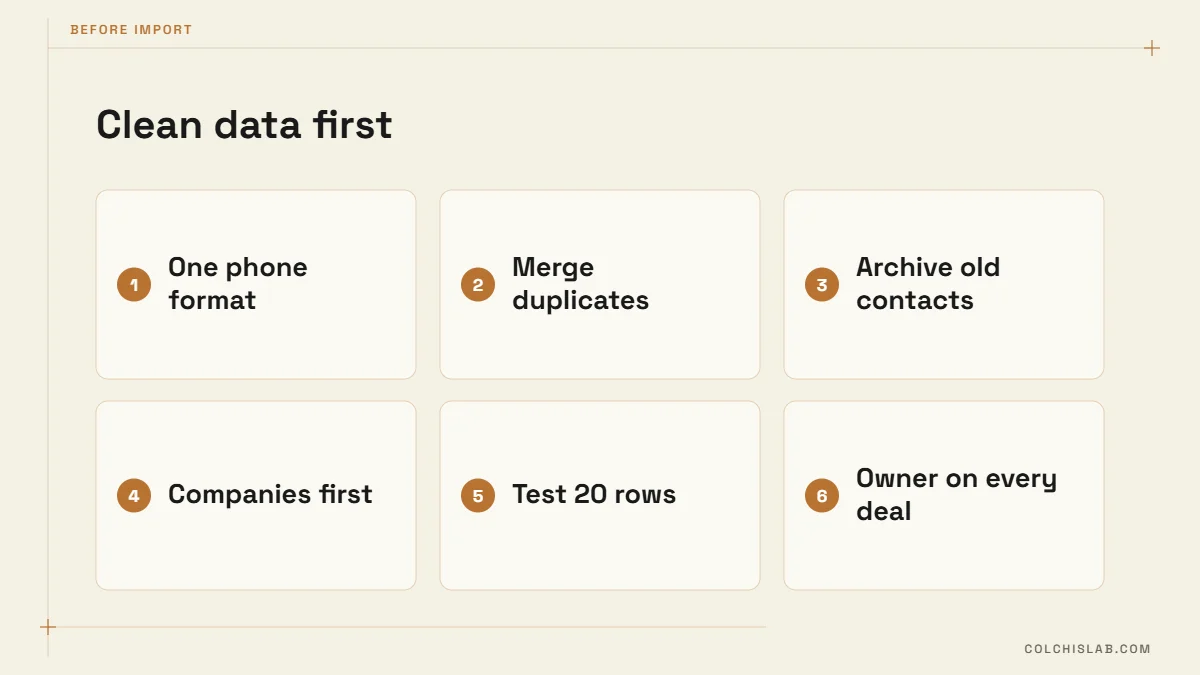
- Standardise formats: one phone format with country code, one column per field, company names spelled one way.
- Remove duplicates. Most CRMs match contacts by email and companies by domain – see HubSpot’s deduplication guide for how matching works – so fill those columns wherever you can.
- Archive the dead weight. Contacts with no activity in three years rarely deserve a place in the new system. Keep them in an archive file instead.
- Import in order: companies first, then contacts, then open deals linked to both. Run a 20-row test import before the full file.
Check the result against two numbers: duplicates below 2% of records, and every open deal with an owner, a stage and a next step date. If either fails, fix the source file and re-import rather than patching records by hand.
Week 4 (Days 22–30): Launch, Train and Lock the Old Sheet
Day 22 is cut-off day, the most important date in the whole CRM implementation plan. The old spreadsheet becomes read-only, and from that morning a deal that is not in the CRM does not exist. This sounds strict; it is the single step that decides whether adoption happens.
- Day 22: 60-minute hands-on training using your own data, not vendor demo data. Everyone creates a deal, logs a call and moves a stage while you watch.
- Days 23–26: the owner checks the pipeline every morning for 10 minutes and messages anyone whose deals have no next step.
- Day 27: install the mobile app for anyone in the field and turn on notifications for assigned leads.
- Days 28–29: collect complaints. Usually two or three fields are useless and one stage is missing. Change them now.
- Day 30: first pipeline review meeting run entirely from the CRM dashboard – no slides, no spreadsheet.
How to Know Your CRM Implementation Plan Worked
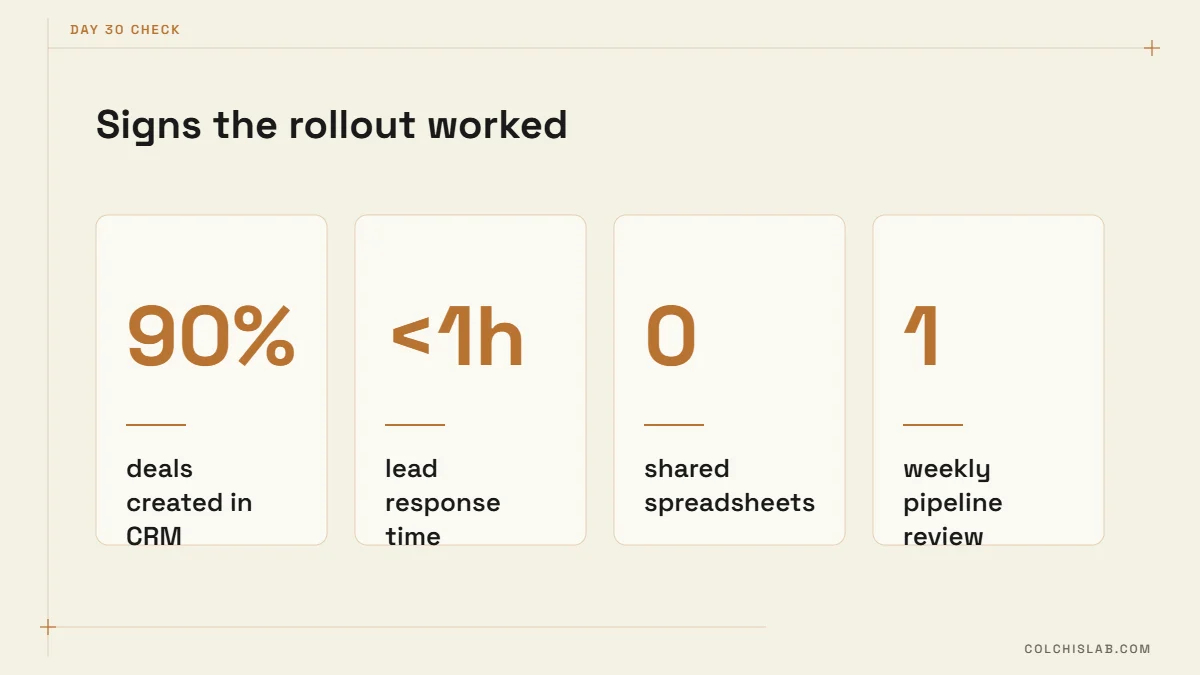
Software vendors measure logins. Measure behaviour instead. By day 30 you want to see:
- 90% or more of new deals created in the CRM, not added later from memory.
- Lead response time under one hour during working hours, visible in a report.
- Zero shared spreadsheets used for active deals.
- A weekly pipeline meeting that uses the CRM screen as the agenda.
If one of these is red, the cause is almost always one of the mistakes below, not the tool.
Five Mistakes That Stretch a 30-Day Rollout to Six Months
Each of these quietly turns a solid CRM implementation plan into a stalled project.
- Too many required fields. Ten fields that are always filled beat forty that are mostly empty.
- Big-bang automation. Twenty workflows on launch day create noise nobody trusts. Add one per week once the basics stick.
- No cut-off date. If the spreadsheet still works, people will keep using it.
- Training on demo data. People learn faster when the deals on screen are their own.
- Integrations left for later. If WhatsApp, the website and invoicing don’t feed the CRM, the team re-types data and stops. Plan the key integrations in week two, or bring in help for CRM integration.
What Comes After Day 30
Month two is for the things your CRM implementation plan deliberately postponed: lead scoring, quotes, a customer-service pipeline, and deeper connections such as a WhatsApp chatbot that writes conversations straight into contact records. Industry-specific teams can borrow ideas from our CRM guide for real estate agencies. Revisit the one-sentence goal each month and add a new one only when the first is met.
During the rollout, consider adding automation bots for small business that feed the CRM automatically – for example a chat bot that qualifies new leads or a reminder bot that keeps follow-ups on schedule.
Want the rollout done with you rather than by you? Colchis Lab sets up, migrates and connects CRMs for small teams in 30 days. Send us your project and we’ll reply with a plan for your process.
How long does a CRM implementation take for a small business?
For a team of 3–25 people using an off-the-shelf CRM such as HubSpot, Zoho or Pipedrive, 30 days is realistic: one week each for process mapping, configuration, data migration and launch. Custom builds or many integrations add 2–6 weeks.
What should a CRM implementation plan include?
At minimum: an owner, a one-sentence goal, pipeline stages with entry rules, a short list of required fields, a data cleaning and import plan, a cut-off date for old spreadsheets, a training session and success metrics for day 30.
How many pipeline stages should a small team use?
Five to seven. Each stage should describe a fact, such as "Proposal sent" or "Deposit paid", so that everyone moves deals the same way.
Should we import all our old contacts into the new CRM?
No. Import active customers, open deals and contacts with recent activity. Archive records with no activity in roughly three years in a separate file so the new system starts clean.
How do we get the team to actually use the CRM?
Set a hard cut-off date for the old spreadsheet, train on your own data, keep required fields to about ten, and run the weekly pipeline meeting from the CRM dashboard.
Can Colchis Lab run the CRM rollout for us?
Yes. We map the process, configure the CRM, clean and migrate data, connect your website and messaging channels, and train the team, typically within 30 days.