Table of Contents
CRM for Real Estate Agencies: 9 Features That Close Deals
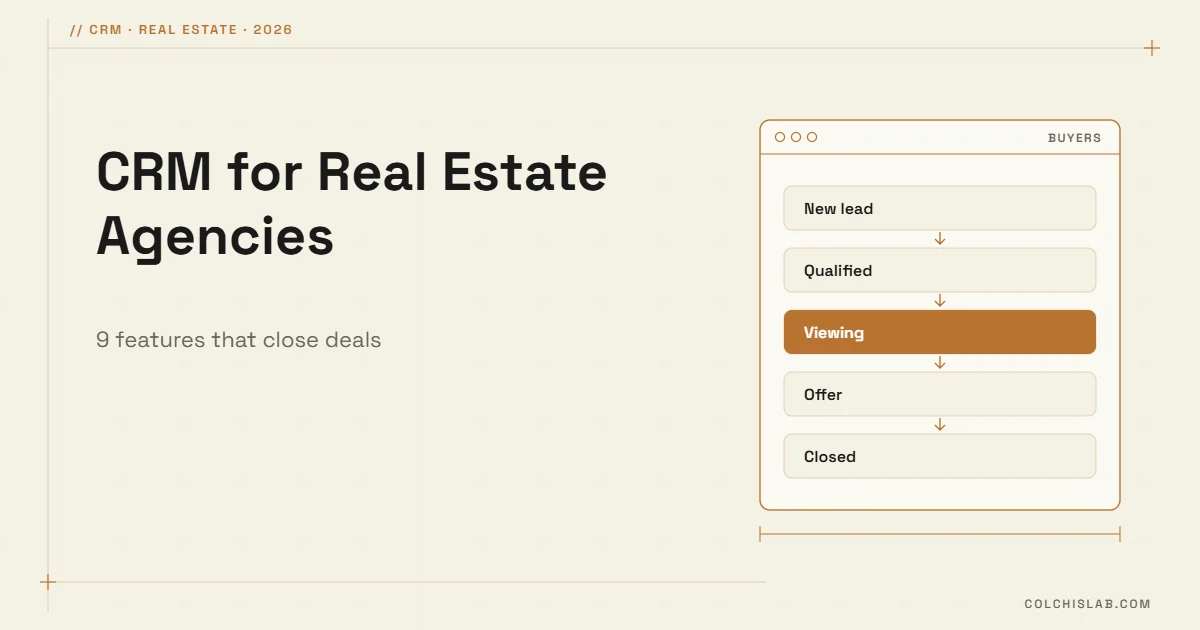
A CRM for real estate agents is a system that keeps every buyer, seller, landlord and property in one database, links people to the listings they care about, and reminds each agent what to do next. Its job is simple: answer every enquiry fast, never lose a client when an agent is busy or leaves, and match the right buyers to every new listing.
Agencies usually reach for a CRM when spreadsheets and phone contacts stop working: leads arrive from property portals, the website, Instagram, WhatsApp and calls; nobody knows who replied; and when an agent leaves, their clients leave too. If you are new to the idea, start with our explainer on what a CRM is.
Table of Contents
9 Features a Real Estate CRM Needs
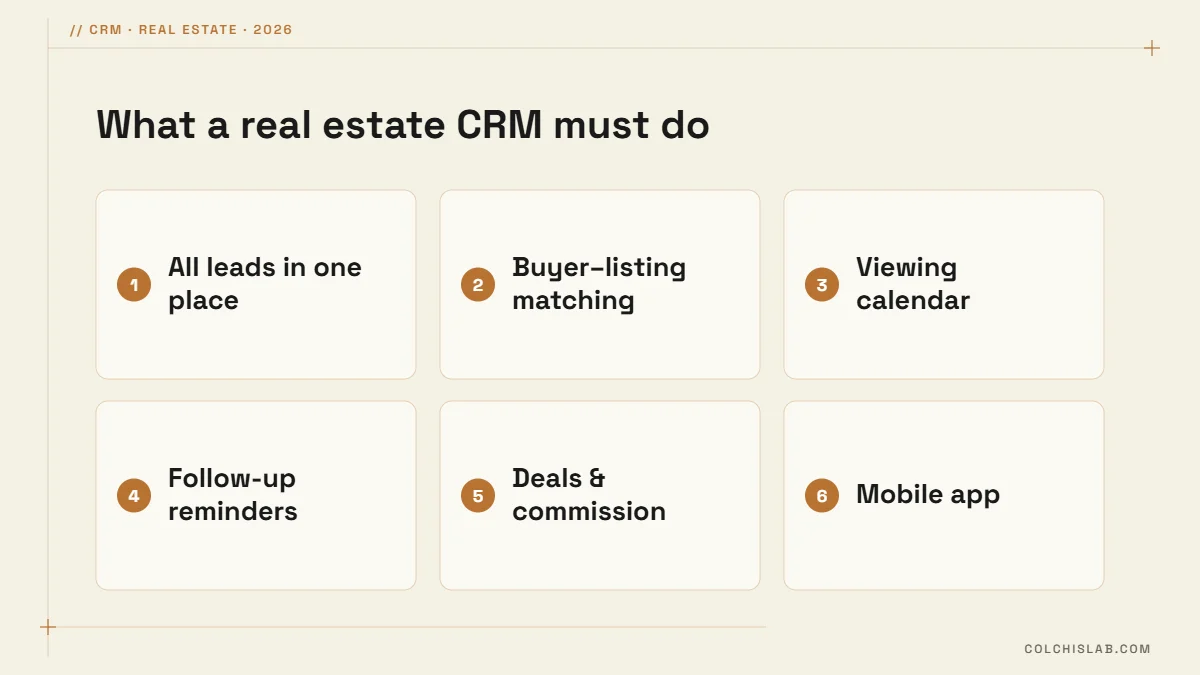
- 1. Lead capture from every channel. Portal enquiries, website forms, Instagram and Facebook DMs, WhatsApp and calls should all create a contact automatically, with the source recorded.
- 2. Instant assignment and alerts. New leads go to the right agent by district, property type or rotation, with a phone or Telegram alert. Speed matters: the first agency to call usually gets the viewing.
- 3. A property database linked to contacts. Each listing has photos, price, status and owner, and shows which buyers viewed it or asked about it.
- 4. Buyer requirements and automatic matching. Budget, district, rooms and deadline are stored as fields, so a new listing instantly produces a list of matching buyers.
- 5. Separate pipelines. Buyers, sellers and rentals move through different stages and should not share one board.
- 6. Follow-up tasks. Every contact has a next step and a date; overdue tasks are visible to the manager.
- 7. Viewing calendar and feedback. Viewings are booked in the CRM, and the buyer’s feedback is logged right after.
- 8. Deals and commission. Offer amounts, deposits, commission splits and expected closing dates in one place.
- 9. Mobile app and reports. Agents work from the street, and owners need leads by source, response time and deals by agent.
Separate Pipelines for Buyers, Sellers and Rentals
A buyer moves from new lead to qualified, viewing, offer and closed. A seller moves from valuation to signed agreement, listed, offers and sold. Rentals move faster and repeat every year. Mixing them on one board hides what is stuck. Keep each pipeline to five to seven stages, and define what has to be true for a deal to enter each stage, for example “qualified” means budget, district and timeline are confirmed.
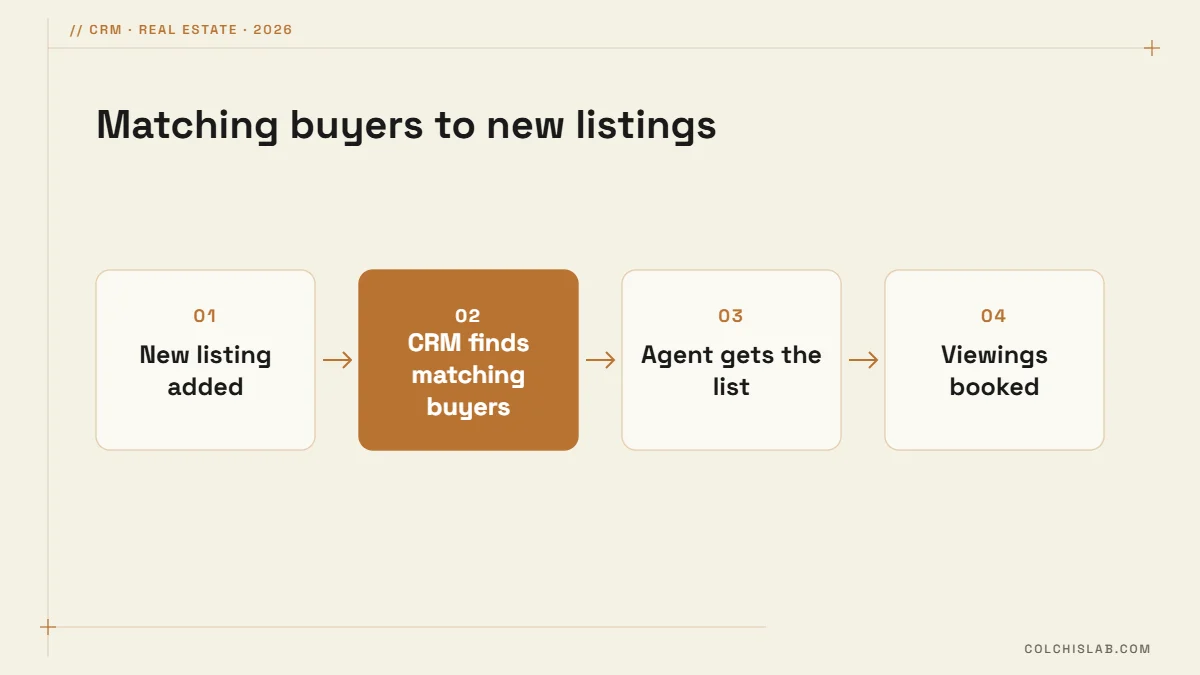
Matching is where a CRM for real estate agents pays for itself. When a new apartment is added, the system lists every active buyer whose budget and requirements fit, so the agent calls ten warm buyers instead of posting and waiting.
Choosing a CRM for Real Estate Agents: Three Options
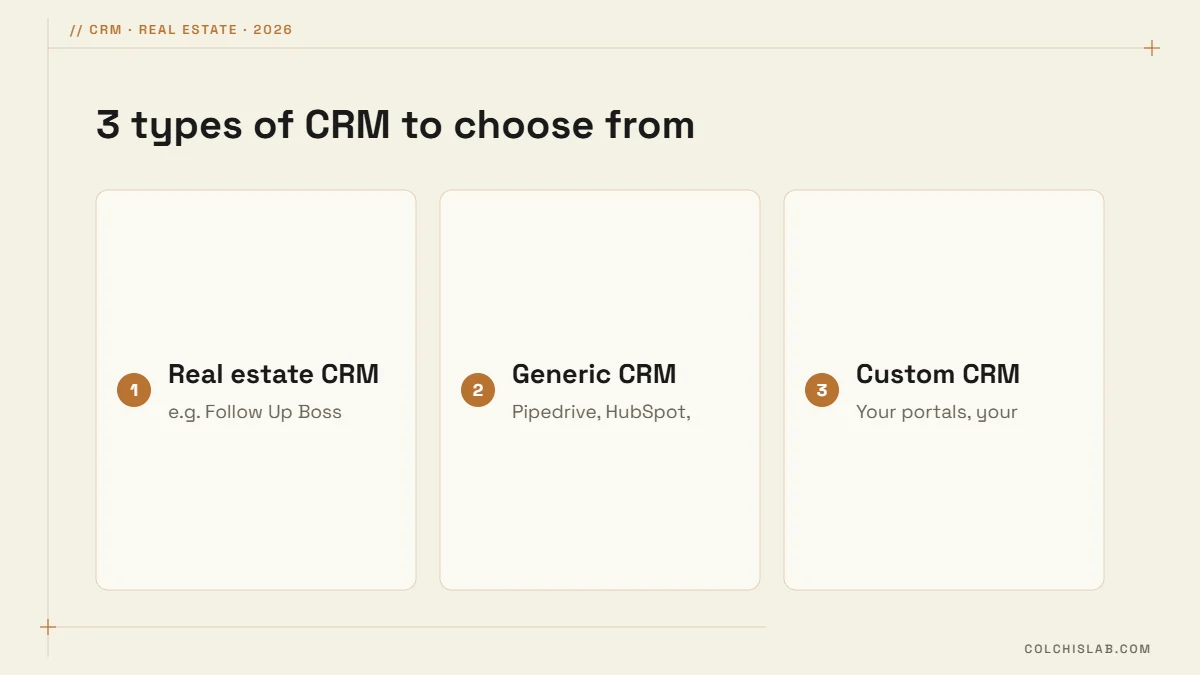
| Option | Typical cost | Best for | Watch out for |
|---|---|---|---|
| Real estate CRM (e.g. Follow Up Boss) | From $69 per user/month on the Grow plan | US-style teams working with major listing portals | Built around US portals and workflows; local integrations may be missing |
| Generic CRM (Pipedrive, HubSpot, Zoho) | Free to about $30–100 per user/month | Small agencies with a simple buyer pipeline | Property database and matching need custom fields or add-ons |
| Custom CRM | One-time build plus hosting | Agencies with local portals, special workflows or many listings | Needs a clear specification and a developer |
Follow Up Boss publishes its plans on its pricing page and offers a 14-day trial. For a side-by-side of generic tools, see HubSpot vs Zoho vs Pipedrive. Whatever you pick, test it with your own listings and leads for two weeks before you migrate the whole agency.
How to Roll Out a CRM in an Agency
- Clean and import contacts and active listings; remove duplicates first.
- Define pipeline stages and the rule for entering each one.
- Connect lead sources: portals, website forms, Instagram and WhatsApp. Our guides on connecting website forms to a CRM and Instagram DM automation cover the setup.
- Set assignment rules and alerts so no lead waits.
- Train agents in one short session, then hold a weekly pipeline meeting using only the CRM.
- After a month, review response times and lost reasons, and adjust stages and fields.
Client Data and Privacy
A real estate CRM holds phone numbers, budgets and sometimes ID copies. Give each agent access only to what they need, log who exports data, keep backups, and record how and when each client agreed to be contacted. In the EU this is governed by the GDPR, and most countries, Georgia included, have similar personal data laws.
The right CRM for real estate agents is the one your team actually uses every day. Our CRM integration service sets up pipelines, portal and website lead capture, buyer matching and Telegram alerts for agencies. Tell us how your agency works and we will suggest the simplest setup that fits.
What is the best CRM for real estate agents?
There is no single best one. Follow Up Boss is popular with US teams that rely on major portals, while smaller agencies often do well with Pipedrive, HubSpot or Zoho plus custom fields. Agencies that work with local portals or need automatic buyer matching often get the best fit from a custom CRM.
How much does a real estate CRM cost?
Generic CRMs range from free plans to about $30–100 per user per month. Specialized real estate CRMs such as Follow Up Boss start at around $69 per user per month. A custom CRM is a one-time development cost plus hosting, which can work out cheaper for larger teams over several years.
Can Pipedrive or HubSpot work for a real estate agency?
Yes, for the pipeline and follow-up part. You will need custom fields for buyer requirements, a way to store listings, and integrations with your lead sources. What they lack out of the box is a property database and automatic matching of buyers to new listings.
What is the difference between a CRM and a property portal?
A portal publishes listings to the public and brings enquiries. A CRM is your private system for managing those enquiries, clients, viewings and deals. The best setups connect the two, so every portal enquiry lands in the CRM with the listing and source attached.
Can a CRM match buyers to new listings automatically?
Yes, if buyer requirements such as budget, district, rooms and property type are stored as structured fields. When a new listing is added, the CRM filters active buyers by those fields and gives the agent a call list, or sends matching buyers an automatic message.
How long does it take to set up a CRM for an agency?
A ready-made CRM with imported contacts and basic pipelines can run in one to two weeks. Connecting portals, website forms and messengers, and building buyer matching, usually takes three to six weeks. A fully custom CRM takes longer, depending on the specification.