Table of Contents
Quote Calculator Chatbot: Let Clients Price Projects in Chat
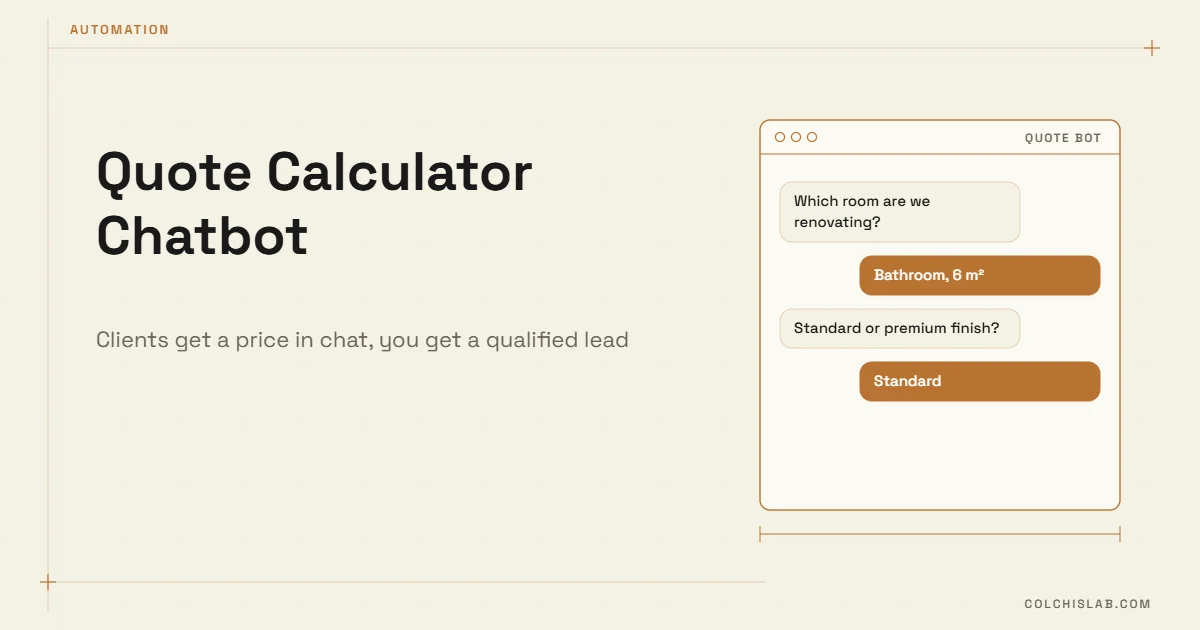
A quote calculator chatbot asks a visitor a handful of questions in chat – size, type, options, deadline – and returns a price range on the spot, then passes the lead to your team with every answer attached. It works best for services priced by a formula: renovation per square metre, cleaning per room, printing per unit, translation per page, catering per guest.
The reason it pays off is simple. “How much?” is the first question most clients have, and the business that answers it first usually gets the conversation. A frequently cited Harvard Business Review study of online leads found that companies replying within an hour were nearly seven times more likely to qualify the lead than those who replied even an hour later. A bot answers in seconds, at 11 pm on a Sunday.
Table of Contents
How a Quote Calculator Chatbot Works
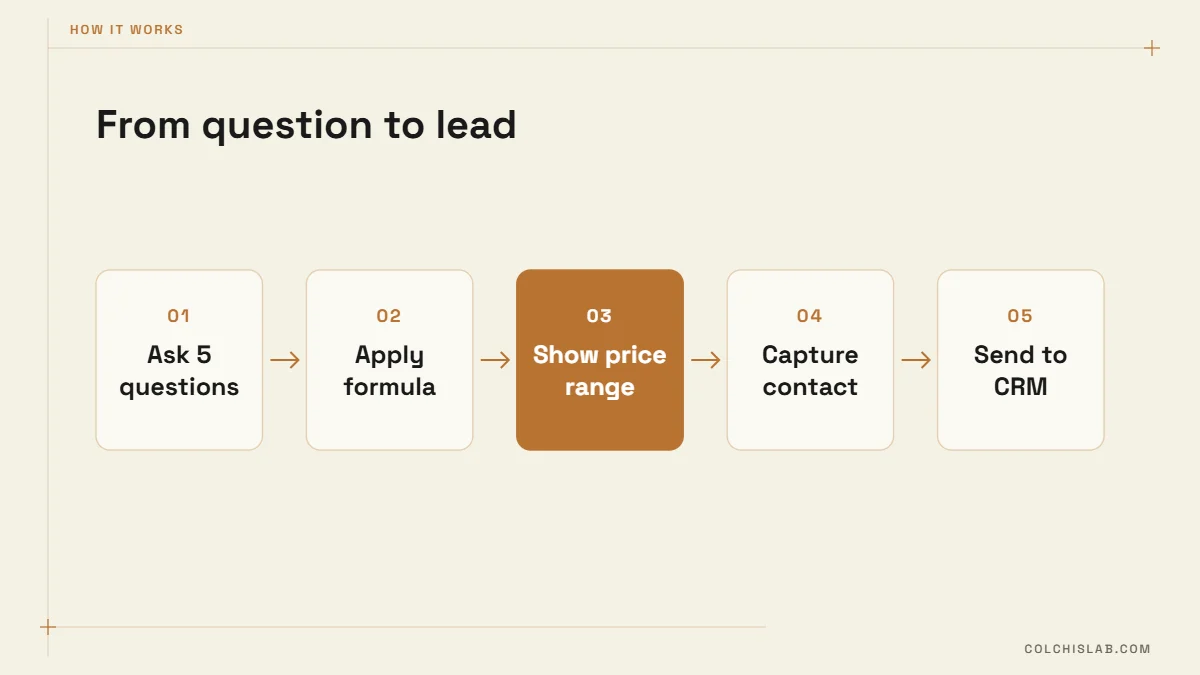
Behind the chat window there is no magic – just a short decision tree and a pricing formula. A typical conversation has five stages:
- Trigger. A “Get a price” button on the site, a Telegram /start command or a click-to-chat ad opens the conversation.
- Questions with buttons. Five to seven questions, each answered by tapping an option (Bathroom / Kitchen / Whole flat) or typing a number (area in m²). Buttons beat free text: fewer typos, faster answers.
- Calculation. The bot applies your formula: base price + area × rate × finish multiplier + extras.
- Price range and what’s included. “$2,400–2,800, materials included, 12–15 working days.” A range sets expectations without locking you into a number before a site visit.
- Contact and handoff. Name and phone are asked after the price – people share contact details far more willingly once they’ve seen a number. The full answer set lands in your CRM or team chat.
Which Businesses It Fits
The test is whether your team already prices most jobs with a spreadsheet or a mental formula. If yes, a bot can do it too.
| Business | What the bot asks | Price logic |
|---|---|---|
| Renovation | Room type, m², finish level, demolition | Rate per m² × finish multiplier + fixed extras |
| Cleaning | Rooms, bathrooms, frequency, add-ons | Base + per room; discount for weekly visits |
| Printing | Product, quantity, size, paper | Tiered unit price by quantity |
| Translation | Pages, language pair, deadline, notarisation | Per page × urgency factor + notary fee |
| Events and catering | Guests, menu tier, date, venue | Per guest × tier + staff and delivery |
It does not fit work where the price only appears after discovery – custom software, legal cases, complex B2B projects. There, use the bot to qualify and book a call instead, as described in our guide to the AI chatbot for your website. We built the same logic as a web tool for a renovation company – see the renovation cost calculator case.
Designing the Pricing Logic
Start from your last 30 quotes
Pull the quotes your team actually sent and look for the pattern: which inputs moved the price, and by how much? Most small businesses discover that three or four variables explain 80–90% of the final number. Those become the questions; everything else stays with a human.
Show a range, not a single number
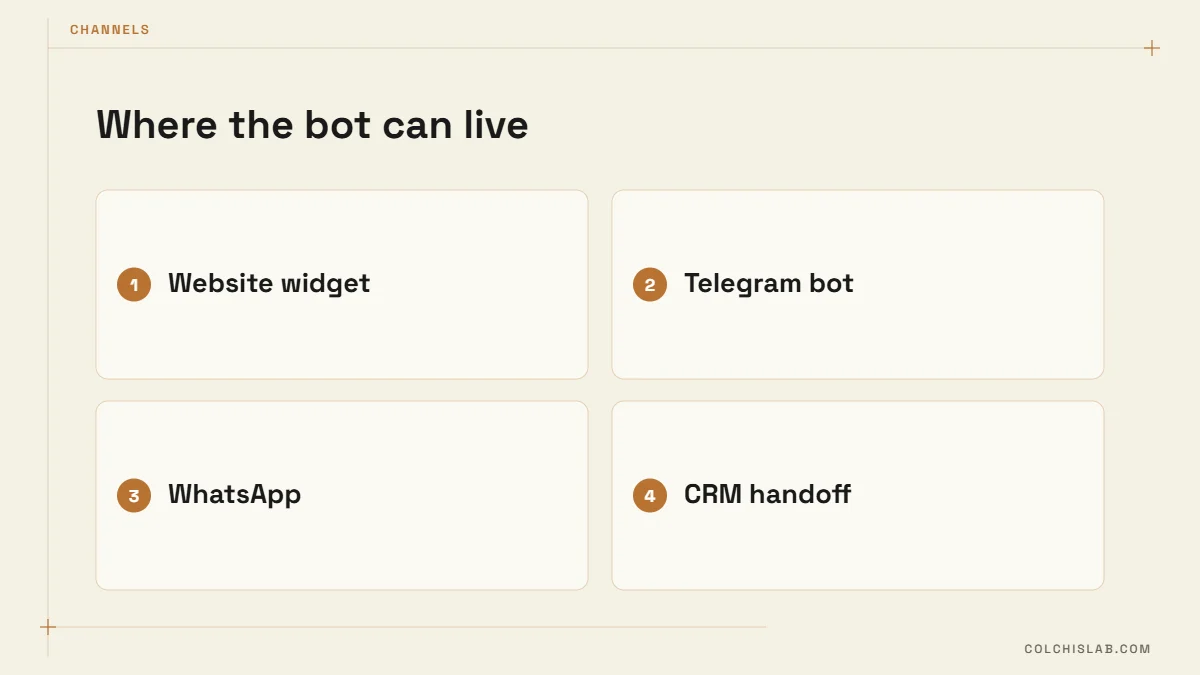
A range of about ±10–15% protects you from surprises on site and still answers the client’s real question: “Is this in my budget?” Add one line on what could push the price up (“old wiring, non-standard tiles”).
Ask fewer questions than you think
Every extra question loses some people. Keep it to five to seven, put the cheapest-to-answer ones first, and skip questions that change the price by less than 5%.
Handle the edge cases with a person
If someone enters 900 m² or picks “Other”, the quote calculator chatbot shouldn’t guess. It should say a specialist will confirm the price and alert your team immediately.
Be clear about tax and currency
State whether the range includes VAT and in which currency. A client who sees one number in chat and another, 18% higher, on the invoice will not trust the next quote.
Where to Run It: Website, Telegram or WhatsApp
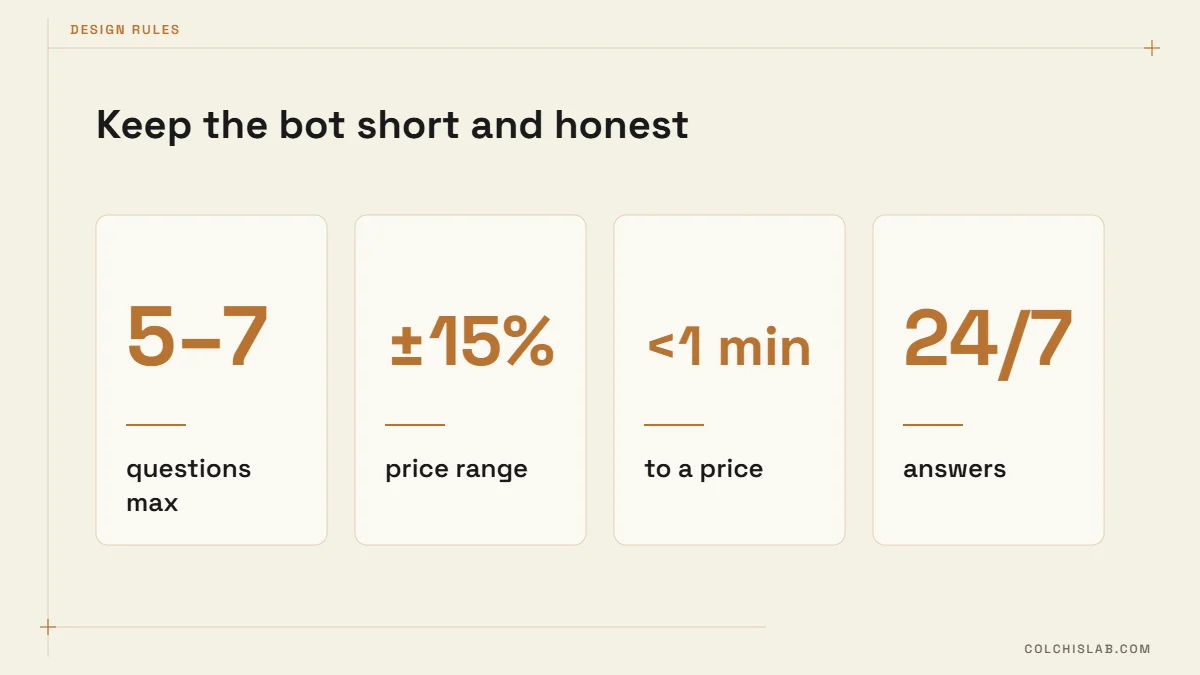
The same quote calculator chatbot logic can sit behind several front ends. Pick the channel where your clients already ask about prices:
- Website widget. No install for the visitor, captures people arriving from Google and ads, and you control the design. Best when most enquiries start on the site.
- Telegram bot. The Bot API is free, inline buttons make the questions fast, and for richer forms you can open a Telegram Mini App inside the chat. More in our Telegram bot for business guide.
- WhatsApp. Where clients prefer it, a WhatsApp Business API bot works well. Replies inside the 24-hour customer service window are free; business-initiated template messages are charged per message under Meta’s pricing. See our WhatsApp chatbot setup article.
- Messenger and Instagram. Useful when your ads run on Meta and people tap “Send message” straight from the ad.
A Worked Example: Cleaning Company
Here is how a quote calculator chatbot for a cleaning company could be set up. The numbers are illustrative – yours come from your own price list.
- Question 1: Type of clean – Regular / Deep / After renovation (multiplier 1.0 / 1.6 / 2.2).
- Question 2: Number of rooms (each $15) and bathrooms (each $20).
- Question 3: Frequency – One-off / Monthly / Weekly (discount 0% / 10% / 20%).
- Question 4: Extras – oven, fridge, windows (fixed add-ons).
- Question 5: Preferred date – used for scheduling, not price.
A deep clean of a three-room flat with two bathrooms, booked weekly, works out as ($40 base + 3 × $15 + 2 × $20) × 1.6 × 0.8 = $160, shown as “$150–175 per visit”. The client sees the number in under a minute; your team gets a lead that already contains the flat size, service level and preferred day.
Rules or AI?
Keep the arithmetic rule-based. A language model is good at understanding “I have a small bathroom, about two by three” and turning it into 6 m², but it should never invent the price itself. The reliable pattern is AI for understanding free text, your formula for the number, and a fixed template for the answer. That way the quote calculator chatbot gives the same price to the same inputs every time – which is what you’d defend if a client compares two quotes.
What Happens After the Quote
The price is the start of the sale, not the end. Send every conversation to your CRM with the answers as fields, so the person who calls back already knows the room, area and budget – our guide on how to connect a website form to your CRM uses the same approach. Then:
- Notify the team in Telegram or Slack the moment a quote is generated.
- Send an automatic follow-up 24 hours later if nobody booked: “Any questions about the estimate?”
- Track the ratio of quotes to booked jobs per service – it shows where the price or the offer needs work.
- Review the formula monthly against real final invoices and adjust the rates.
Cost and Timeline
A rule-based bot on one channel with a single pricing formula typically takes two to three weeks to build and test. Adding a second channel, CRM integration and an AI layer for free-text answers brings it to four to six weeks. Ongoing costs are hosting and, for WhatsApp, Meta’s message fees. Our automation bots team builds quote calculator chatbot projects from your existing price list – check our prices or send us your pricing sheet and we’ll show you what the conversation would look like.
What is a quote calculator chatbot?
It is a chat bot that asks a client a few questions about their project, calculates a price range from your own formula and sends the lead with all answers to your team or CRM.
Will a bot give clients wrong prices?
Not if the formula comes from your real quotes and the bot shows a range rather than a fixed number. Unusual inputs should be passed to a person instead of being priced automatically.
How many questions should the bot ask?
Five to seven is the sweet spot. Ask only what changes the price meaningfully, start with the easiest questions and request contact details after showing the price.
Which channel is best for a quote calculator chatbot?
Use the channel where clients already ask about prices. A website widget suits search and ad traffic; Telegram and WhatsApp suit clients who prefer messengers. One pricing engine can serve all of them.
Should the bot use AI to calculate prices?
No. Use AI only to understand free-text answers. The price itself should come from a fixed formula so identical inputs always give identical quotes.
How long does it take to build one?
About two to three weeks for a single channel with one formula, and four to six weeks with several channels, CRM integration and an AI layer.