Table of Contents
Real Estate Website Features Buyers Actually Use
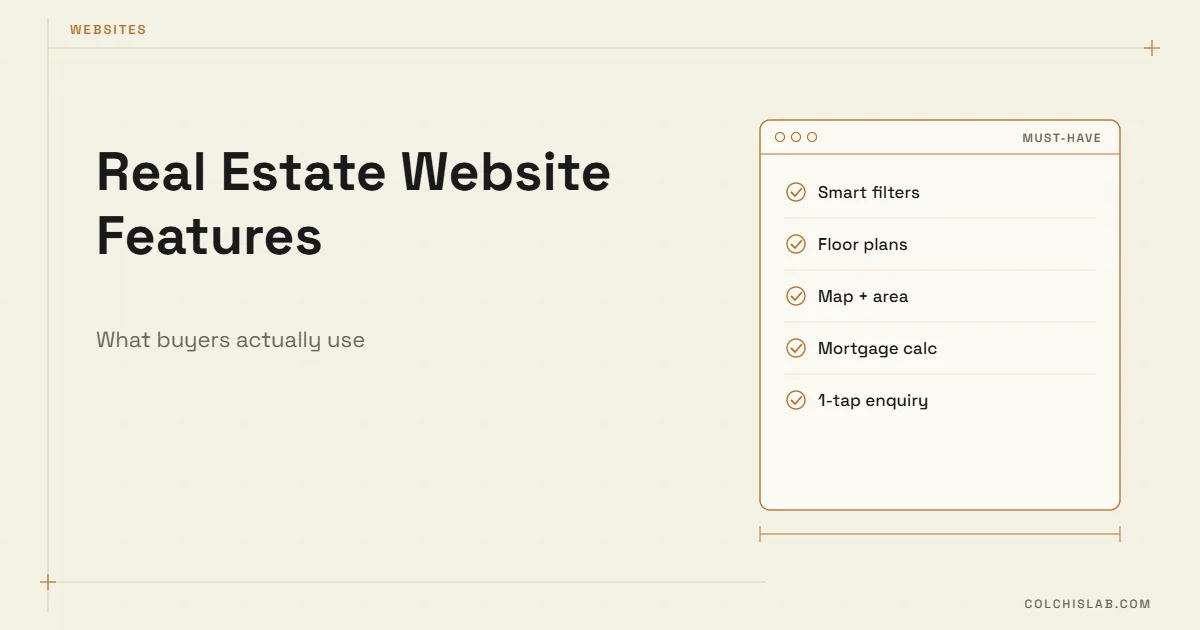
The real estate website features that buyers actually use are surprisingly plain: fast search filters, honest listing pages with photos, floor plans and price per square metre, a map of the area, a mortgage calculator and a one-tap way to ask a question. Developers add a live availability grid. Almost everything else – 3D intros, chat widgets that pop up on every page, long “about us” stories – is decoration buyers scroll past.
This list comes from what we see on property projects in Georgia and from buyer research. It is ranked by impact, so a small agency or developer can build the first half and stop there.
Table of Contents
Why Real Estate Website Features Matter More Than Design
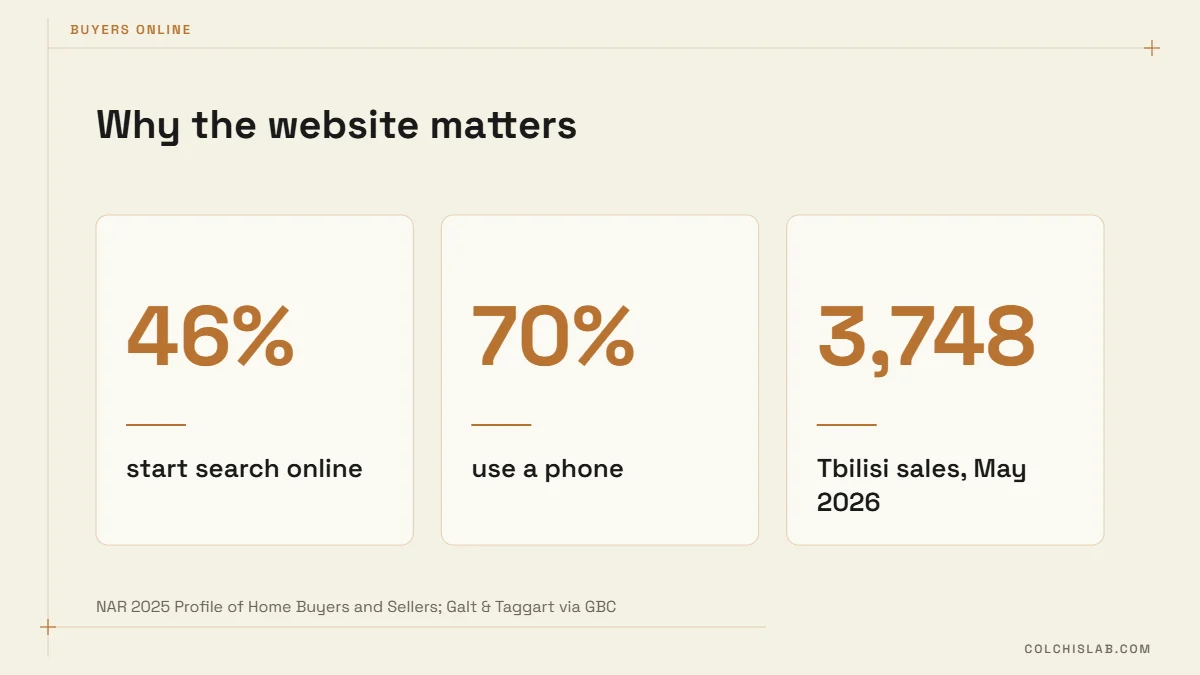
Buyers arrive with a task, not to admire the site. According to the NAR 2025 Profile of Home Buyers and Sellers, 46% of buyers began their search online and 70% used a phone or tablet along the way. In Tbilisi, Galt & Taggart counted 3,748 apartment sales in May 2026 alone, at around US$1,412 per m² on the primary market. With that much choice, a buyer gives your site seconds. If they cannot filter, compare and ask, they go back to the portal.
The Nine Features Buyers Use
1. Search filters that match how people think
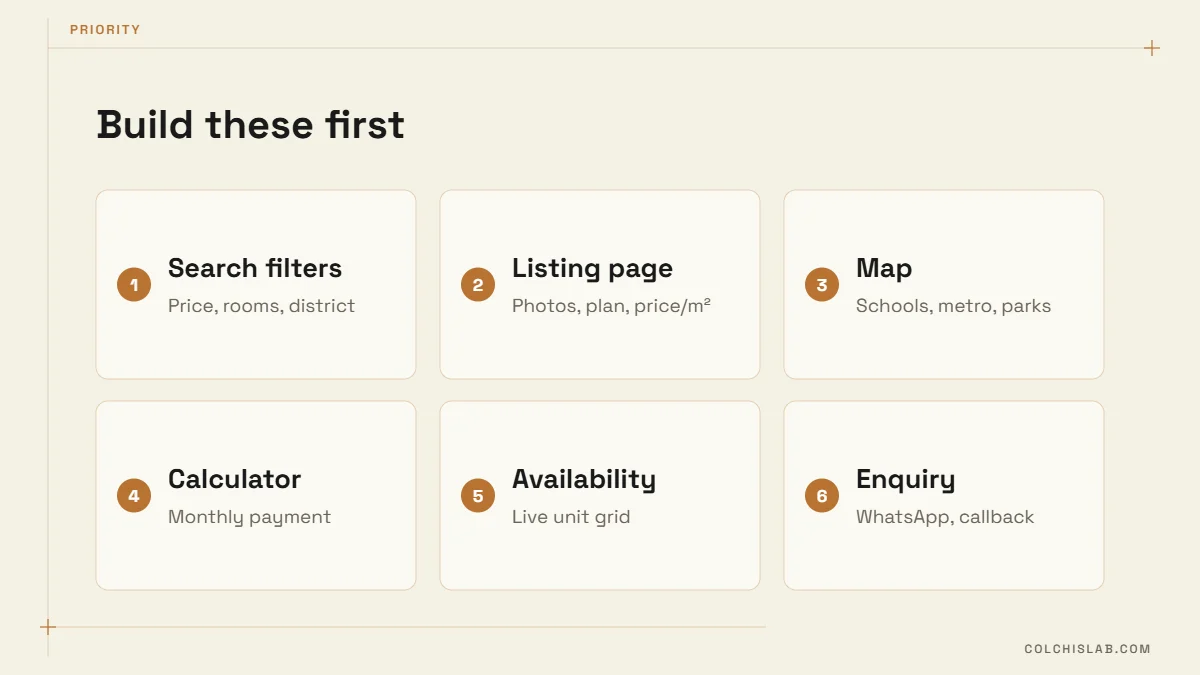
Price range, rooms, district and status (new build, renovated, under construction) cover most searches. Add floor and area if your stock varies. Keep filters visible on mobile and keep the result count live so people see “14 apartments” before they tap.
2. Listing pages that answer the basic questions
Every listing needs 10–20 real photos, a floor plan, total and living area, price and price per m², floor, condition and completion date. Missing price is the fastest way to lose a serious buyer. Our article on interactive property listings covers how to present these visually.
3. A map with what is nearby
Location sells. Show the building on a map with schools, metro, parks and supermarkets. One honest sentence about traffic or noise builds more trust than a page of adjectives.
4. A mortgage calculator
Buyers think in monthly payments. A simple calculator – price, down payment, rate, term – keeps them on your page instead of a bank’s. Show the assumed rate and a note that the bank sets the final terms.
5. A live availability grid (for developers)
A floor-by-floor grid showing available, reserved and sold units, synced with your sales team, is the most requested feature on new-build projects. It answers “what is left?” without a phone call and creates honest urgency.
6. One-tap enquiry
A WhatsApp button and a short callback form on every listing, pre-filled with the unit number. Long forms kill enquiries; three fields are enough. Connect them to your CRM so no lead sits in an inbox – see how to connect a website form to a CRM.
7. Speed on mobile
Property sites are heavy with photos. Compress images, lazy-load galleries and test on a mid-range phone. Our PageSpeed case study shows a 97 mobile score is possible even with animations.
8. Language versions
In markets with foreign buyers, real estate website features should include full translations of listings, not just the menu – prices in local currency and USD, and a contact person who speaks the language.
9. Saved searches and new-listing alerts
Returning buyers want to know when something new appears. An email or messenger alert for a saved search brings them back without ads.
Four Features to Skip (or Delay)
- Auto-playing video intros – slow, and most visitors skip them.
- Pop-up chat on every page – a visible WhatsApp button converts better and annoys less.
- Full 3D tours for every unit – valuable for premium or remote buyers, expensive for a whole stock. Start with floor plans.
- Generic blog content – area guides and price explainers help; recycled “10 tips for buying a home” does not.
Agency Site, Developer Site or Portal?
| Type | Main goal | Must-have features |
|---|---|---|
| Agency website | Trust and lead capture | Filters, listings, agent profiles, enquiry, CRM |
| Developer project site | Sell one project’s units | Availability grid, floor plans, calculator, progress photos |
| Portal listing only | Visibility | Good photos and fast replies; no control over design or data |
Most businesses use both: listings on portals for reach, and their own site for trust, full detail and leads they own. Your own site is also the only place where real estate website features like a live availability grid or saved-search alerts are fully under your control.
How the Features Work Together
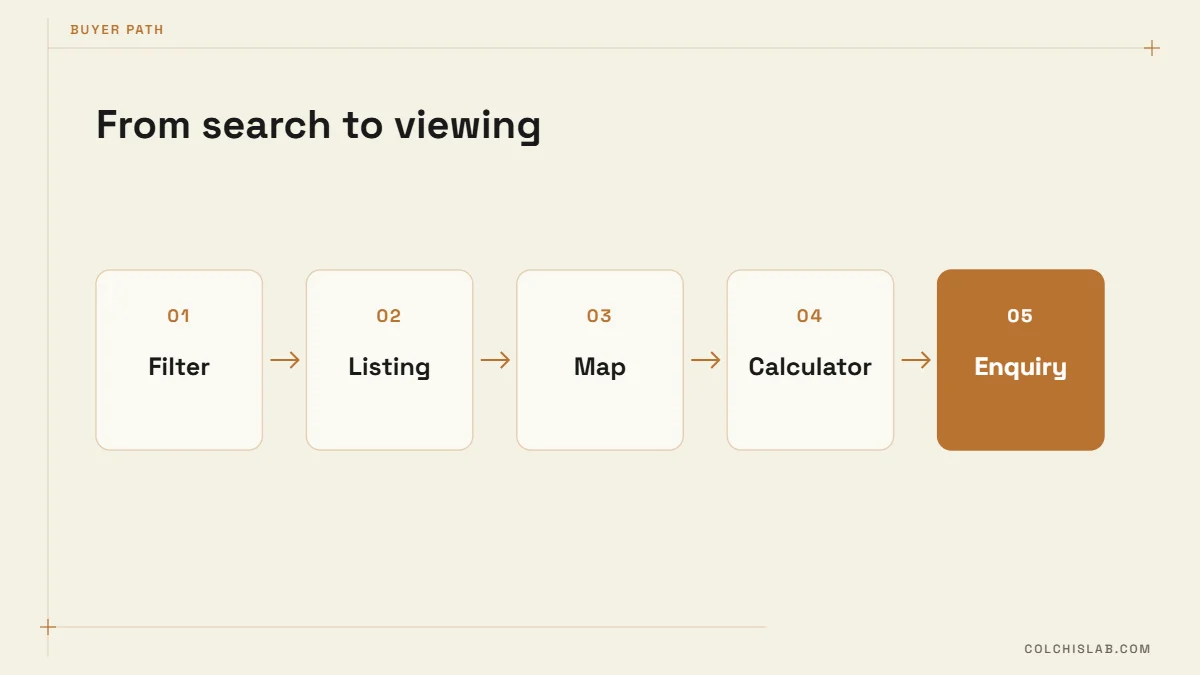
Real estate website features only pay off when they form one path: filter → listing → map → calculator → enquiry. Each step should link to the next, and the enquiry should land in a CRM with the unit already attached. Our guide to CRM for real estate agents covers the follow-up side.
A 10-Minute Audit of Your Current Site
Before adding new real estate website features, test the ones you have. Open your site on a phone, as a buyer would, and time yourself:
- Can you find a two-bedroom flat in a specific district under your price limit in under 30 seconds?
- Does every listing show the price, price per m² and a floor plan?
- Can you see the location and what is nearby without leaving the page?
- Can you estimate a monthly payment?
- Can you ask about this exact unit in one tap, and does someone reply within the hour?
Every “no” is a gap that sends buyers back to the portal. Fix the gaps in the same order as the list – they are ranked by how often buyers hit them. The best real estate website features are the ones that remove a reason to leave, not the ones that look impressive in a pitch.
What It Costs to Build
A template site with listings and filters is a modest project. A developer site with a synced availability grid, calculator and CRM integration is a larger build, because the data has to stay accurate. Our breakdown of business website costs explains what drives the price.
If you want real estate website features built around how your buyers actually search, explore our web development service or send us your project.
What features should a real estate website have?
Search filters, complete listing pages with photos, floor plans and price per m², a map of the area, a mortgage calculator, a one-tap enquiry button and fast mobile loading. Developers should add a live availability grid.
Do I need my own website if I list on property portals?
Portals give reach, but your own site builds trust, shows full detail and gives you leads and data you own. Most agencies and developers use both.
Is a mortgage calculator worth adding?
Yes. Buyers think in monthly payments, and a simple calculator keeps them on your page. Show the assumed rate and note that the bank sets the final terms.
What is an availability grid?
A floor-by-floor view of a building showing available, reserved and sold units, synced with the sales team. It answers what is left without a phone call.
Should a real estate website have a chatbot?
A visible WhatsApp or messenger button usually works better than a pop-up chat. A chatbot helps when it answers availability and price questions and books viewings.
How many photos should a listing have?
Usually 10–20 real photos plus a floor plan. Quality and honesty matter more than count.