Table of Contents
PageSpeed 97 on Mobile With Animations: How We Built colchislab.com
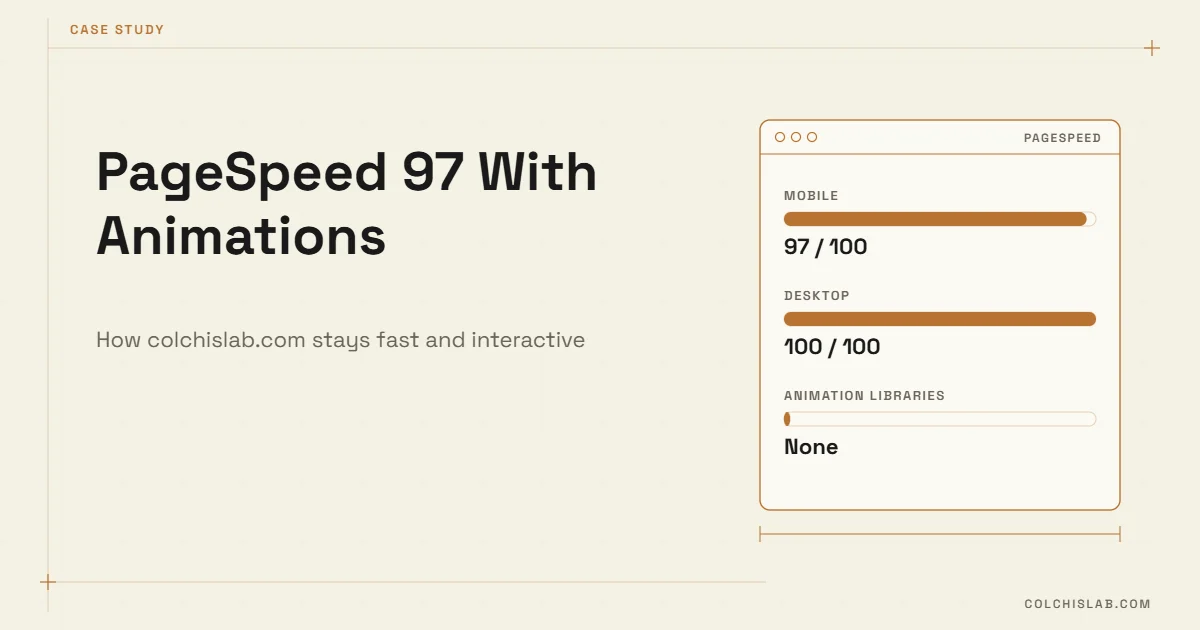
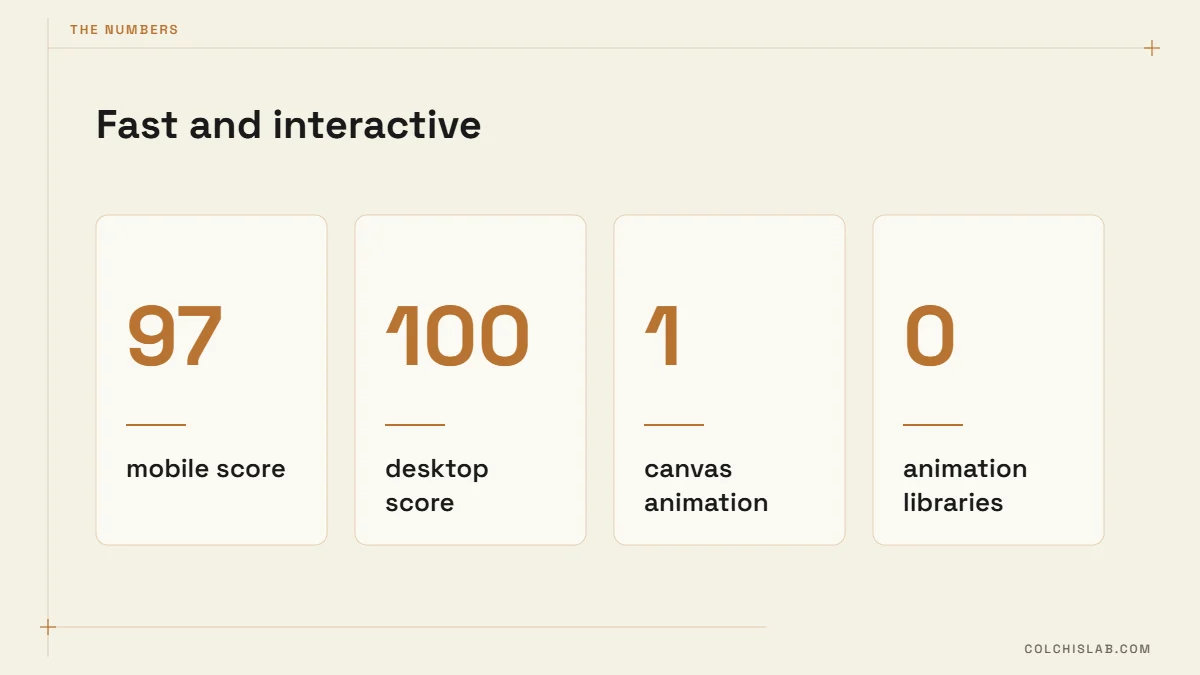
Our own website, colchislab.com, has a PageSpeed score of 97 on mobile and 100 on desktop in Google PageSpeed Insights – and the homepage is not a plain text page. It opens with an interactive animation: our ram logo made of dots that scatter when you click, followed by a drag-and-drop “design your system” builder. Speed and interactivity are usually traded against each other. They don’t have to be.
This is a short case study of how we built it, why a fast PageSpeed score matters for sales and for the quality of your analytics data, and why a well-made animation keeps visitors on the page instead of slowing them down. You can check the current numbers yourself on PageSpeed Insights.
Table of Contents
What the PageSpeed Score Actually Measures
The number at the top of PageSpeed Insights comes from Lighthouse, a lab test. For mobile it loads the page on an emulated mid-range phone with a throttled connection, so it is deliberately harsher than most real visits. The score is a weighted mix of five metrics, documented in Google’s Lighthouse scoring guide:
- First Contentful Paint – when the first text or image appears.
- Largest Contentful Paint – when the main content block has loaded.
- Total Blocking Time – how long JavaScript blocks the page from responding.
- Cumulative Layout Shift – how much the layout jumps while loading.
- Speed Index – how quickly the visible area fills in.
A score of 90–100 is green. Below the lab score, PageSpeed Insights also shows field data from real Chrome users over the last 28 days, when the site has enough traffic. Google’s ranking systems look at that field data – the Core Web Vitals – not at the lab number, which we explain in our guide to Core Web Vitals. The lab PageSpeed score is still the best quick check, because the same things that make it high make real visits fast.
Why Speed Matters: Sales and Data
Faster pages sell more
In the Milliseconds Make Millions study, Deloitte and Google measured mobile sites of 37 brands and found that a 0.1-second improvement in load speed was linked to 8.4% more conversions for retail sites and 10.1% more for travel sites. For a service business the effect is the same in kind: every extra second on a phone is a chance for the visitor to go back to the search results and click the next agency.
Fast pages give you better data
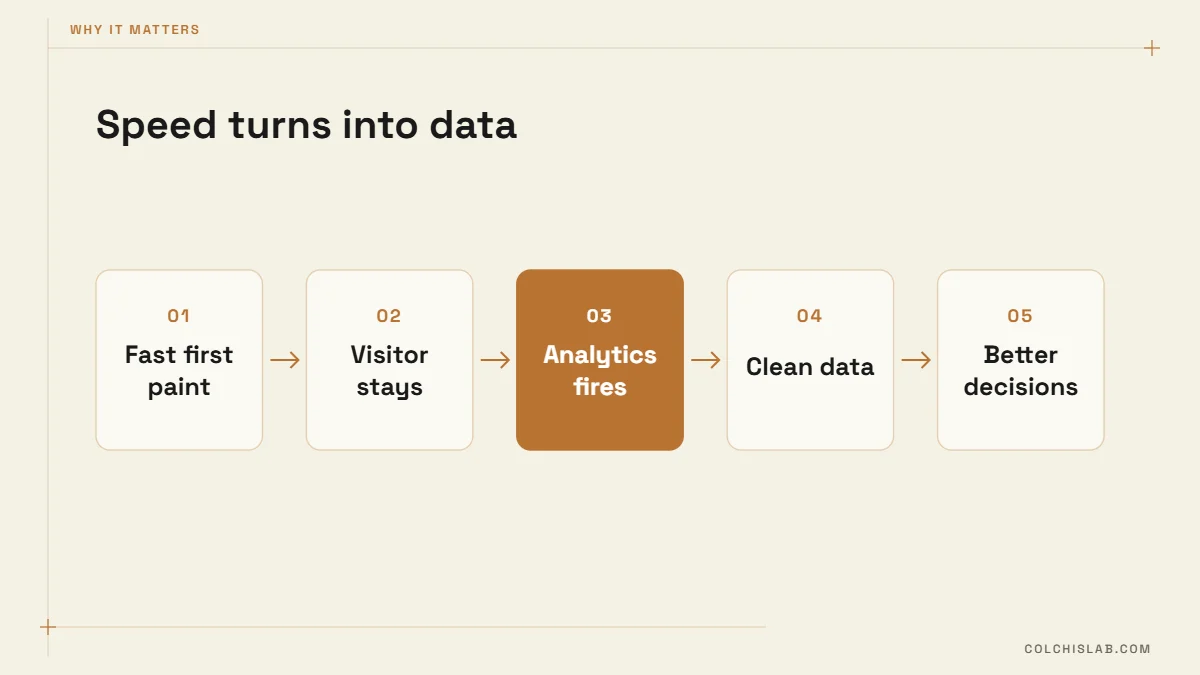
This part is often missed. Google Analytics, Meta Pixel and other tags load after the page starts rendering. If a visitor leaves before that – common on slow mobile pages – the visit is never recorded. A slow site does not just lose customers; it hides how many it lost. Ad platforms then optimise on incomplete data, and your reports show fewer visitors and a better bounce rate than reality.
With a high PageSpeed score the tags fire within the first second for almost everyone, so sessions, engagement and conversion events are counted properly. Every decision you take from your analytics – which page to improve, which ad to keep – rests on that.
Animation That Keeps People on the Page
The homepage animation is not decoration for its own sake. The ram made of dots invites one click – “click to scatter it” – and many visitors click it more than once and stay to play. Further down, visitors switch services on and off, drag the nodes around and watch how a website, bots, CRM and SEO connect. That is the message of the agency, told by letting people play with it.

This is what visitors see on colchislab.com: the dots drift in, form the ram with the Web, Bots and CRM nodes, and fly apart again when you click. The whole effect is built into the page itself – one canvas, no video, no plugin.
Does Google notice that people stay longer?
Not through your analytics. Google has said many times that it does not use Google Analytics data such as bounce rate for ranking, and no setting rewards an animation by itself. But Google’s own explanation of how ranking works says it uses aggregated and anonymised interaction data to assess whether search results are relevant to a query. A visitor who arrives from search, finds something worth exploring and doesn’t jump straight back to the results behaves the way people do on a relevant result – so the effect points in the right direction. And either way, a longer visit is a better chance of an enquiry.
Interaction like this works for engagement because it gives the visitor something to do in the first seconds, when most people decide whether to stay. In GA4 terms it turns quick visits into engaged sessions (a session counts as engaged after 10 seconds, a conversion or a second page view). To prove it on your own site, track the clicks as GA4 events and compare engagement time and enquiry rate for visitors who interacted with those who didn’t.
The catch: animation only helps if it doesn’t cost speed. A heavy animation library, a 5 MB video background or hundreds of moving DOM elements will drop the PageSpeed score and push mobile visitors away before they ever see the effect.
How We Kept the PageSpeed Score at 97 With Animation
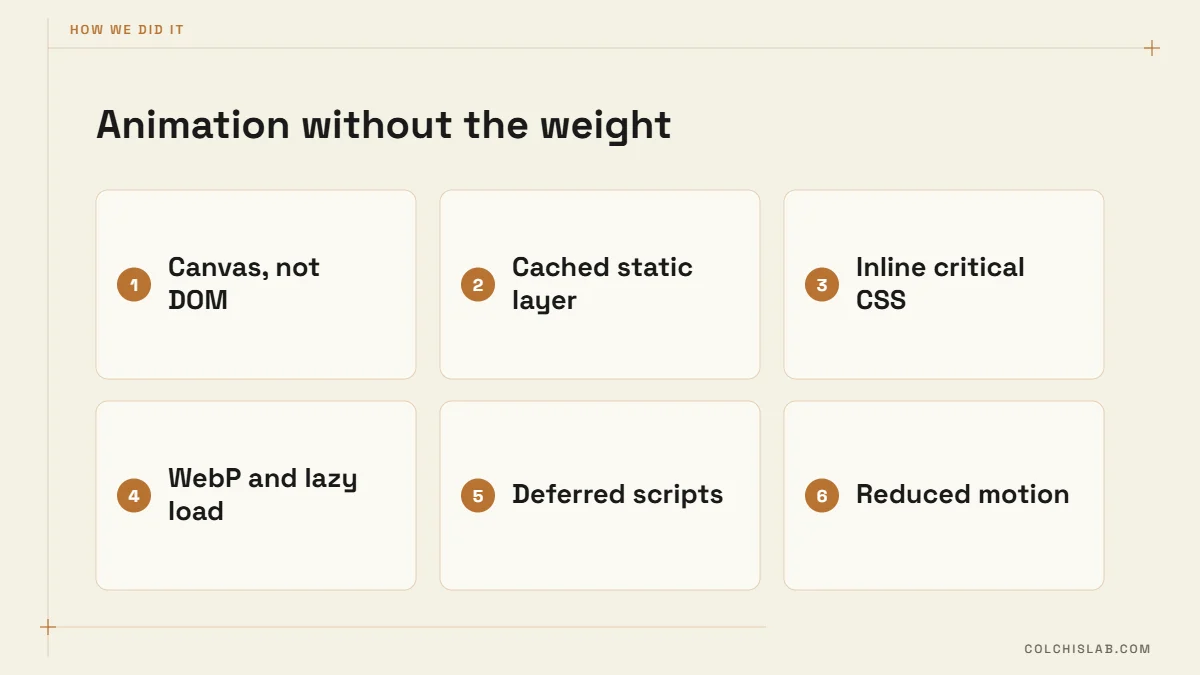
| Technique | What we did | Metric it protects |
|---|---|---|
| Canvas instead of DOM | The ram is drawn on one canvas element, not hundreds of animated divs | Total Blocking Time |
| Cached static layer | The still dots are drawn once to an off-screen canvas; each frame only redraws a few pulsing dots | Total Blocking Time, battery |
| No animation libraries | Hand-written JavaScript, no GSAP, Lottie or three.js | Page weight, TBT |
| Inline critical CSS | Styles ship inside the HTML, no render-blocking stylesheet requests | First Contentful Paint |
| WebP images, lazy loading | Only three images on the homepage, below-the-fold ones load on scroll | Largest Contentful Paint |
| woff2 fonts with font-display | Text shows immediately in a fallback font | FCP, LCP |
| Reserved space | The animation area has fixed dimensions, so nothing jumps when it starts | Cumulative Layout Shift |
| Reduced motion | Visitors who set “reduce motion” on their device get a calm version | Accessibility |
On top of that the site uses full-page caching and a CDN, and analytics scripts load asynchronously so they never block the first paint.
How to Improve Your Own PageSpeed Score
- Run your homepage and your top service page through PageSpeed Insights on mobile and note the red metrics, not just the score.
- Find the heaviest files in the report – usually unoptimised images, a page builder’s CSS or a slider plugin.
- Convert images to WebP, set width and height on every image and lazy-load everything below the fold.
- Remove plugins and scripts that load on every page but are used on one.
- Keep animation in CSS transforms or a single canvas, and respect reduced-motion settings.
- Re-test, then watch the field data in Search Console’s Core Web Vitals report over the next 28 days.
Don’t chase 100 at the cost of content: a page with a PageSpeed score of 92 and a clear offer beats an empty page that scores 100. For a full list of technical checks, use our technical SEO checklist or run the free website SEO audit.
If your site is slow or you want an interactive homepage that stays fast, our web development team builds sites the same way we built ours. Send us your site and we’ll show you what is holding the score back.
What is a good PageSpeed score?
90–100 is considered good (green), 50–89 needs improvement and below 50 is poor. Mobile scores are usually lower than desktop because Lighthouse emulates a mid-range phone on a slow connection.
Does the PageSpeed score affect Google rankings?
Not directly. Google uses Core Web Vitals from real users as a ranking signal. But the work that raises the lab score – lighter pages, faster rendering, stable layout – is the same work that improves those field metrics.
Why is my mobile score lower than desktop?
The mobile test throttles the CPU and the network to simulate a typical phone. Heavy JavaScript and large images hurt much more on that setup, so they show up first in the mobile score.
Can a website have animations and still be fast?
Yes. Draw complex animations on a canvas or with CSS transforms, avoid heavy libraries, reserve space so the layout doesn’t shift and respect reduced-motion settings. Our homepage scores 97 on mobile with an interactive animation.
How does site speed affect analytics data?
Tracking tags load after the page starts rendering. Visitors who leave a slow page before that are never recorded, so a slow site under-reports traffic and skews engagement and ad data.
How often should I check my PageSpeed score?
After every bigger change – a new plugin, theme update or page design – and once a month otherwise. Also check the Core Web Vitals report in Search Console for real-user data.