Table of Contents
Rank Math Setup Guide: The Settings That Actually Matter
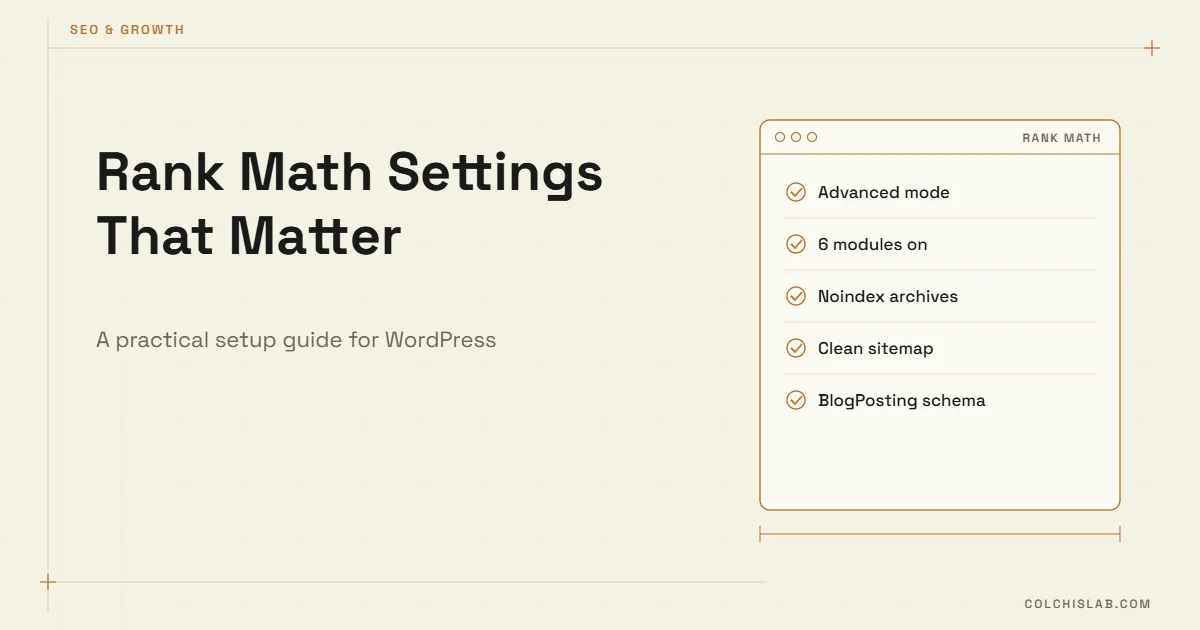
The Rank Math settings that actually matter fit on one page: pick Advanced mode in the setup wizard, keep only six or seven modules switched on, noindex the archives that create thin pages, check your sitemap, set a default schema type for posts, and connect Google Search Console. Everything else in Rank Math settings can stay on its default. Most WordPress sites we audit don’t have an SEO plugin problem – they have 20 modules enabled and nobody knows which ones change anything.
This guide is based on how we run Rank Math on colchislab.com itself, a bilingual WordPress site (English and Georgian) with Polylang. If you’re earlier in the journey, read our SEO starter guide for small businesses first, then come back to configure the plugin.
Table of Contents
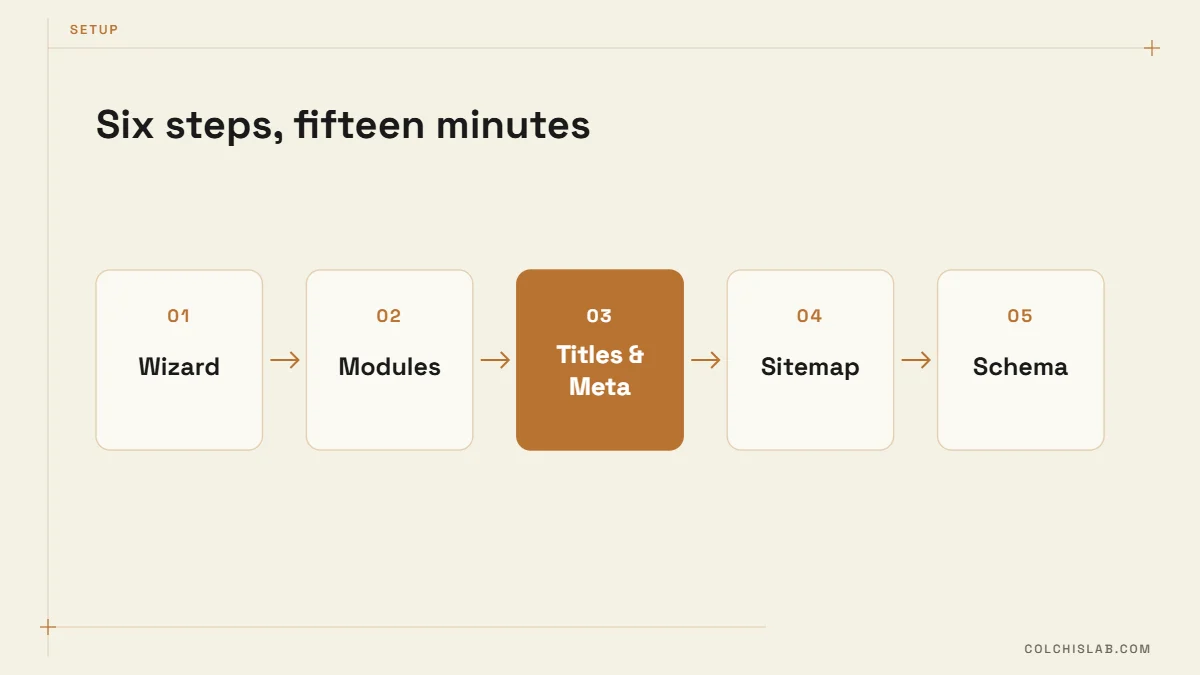
Step 1: The Setup Wizard – Choose Advanced, Not Easy
The wizard offers Easy, Advanced and Custom modes. Easy hides most options, which sounds friendly until you need to fix something. Choose Advanced. You will see more screens, but you will only change a handful of Rank Math settings on each.
- Site type: pick the closest match (Small Business, Online Shop, Blog). It sets the default schema for your homepage.
- Logo and default social image: upload a 1200×630 image. It is used whenever a post has no featured image.
- Google Search Console: connect it here. Rank Math then shows clicks and positions inside WordPress.
- Sitemap: leave it on, with posts, pages and product categories included.
- Role manager and 404 monitor: skip both for now.
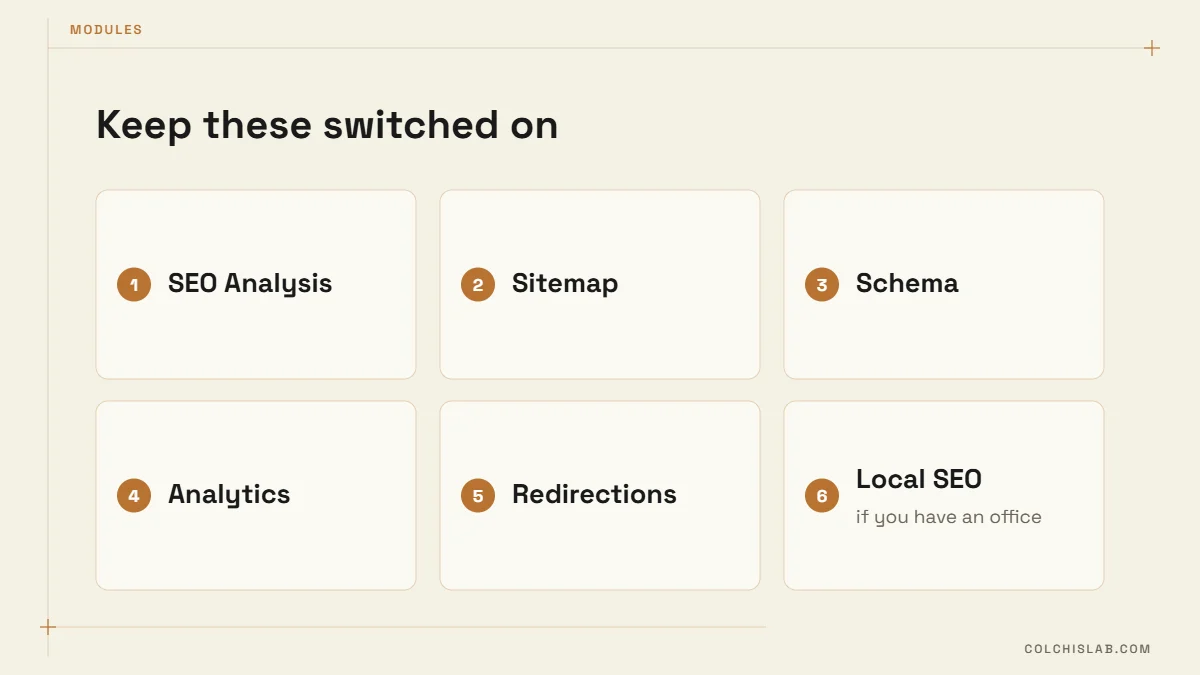
Step 2: Modules – Keep Six, Switch Off the Rest
Every module adds settings, database queries and things to maintain. Here is the set we keep on a typical small-business site:
| Module | Keep on? | Why |
|---|---|---|
| SEO Analysis | Yes | Score and checklist in the editor |
| Sitemap | Yes | Tells Google which URLs exist |
| Schema | Yes | Article, FAQ, LocalBusiness markup |
| Analytics | Yes | Search Console data in WordPress |
| Redirections | Yes | 301s when you change a URL |
| Image SEO | Optional | Auto alt text only if you forget it |
| Local SEO | If you have an office | Address, opening hours, map |
| 404 Monitor | No (usually) | Logs every bot request, grows fast |
| Link Counter | No | Nice to know, rarely acted on |
Step 2b: General Rank Math Settings Worth a Look
Under General Settings, most defaults are fine. Four are worth checking once:
- Links → Strip category base: turn on only for a new site. On an existing site it changes every category URL, so set up redirects first.
- Links → Redirect orphan attachments: on.
- Breadcrumbs: enable if your theme shows them; they also add BreadcrumbList schema.
- Webmaster tools: paste the Bing verification code too. Bing data also feeds several AI assistants.
Step 3: Titles & Meta – Where Most Rank Math Settings Go Wrong
This is the section that decides which pages Google is invited to index. The defaults are reasonable for a big blog and slightly wrong for a small company site.
- Author archives: if one or two people write everything, disable them or set noindex. Otherwise each author page duplicates your blog.
- Date archives: disable. Nobody searches for “your company October 2026”.
- Tags: noindex unless each tag page has real, curated content.
- Media attachments: make sure “Redirect attachments” is on, so image pages redirect to the post they belong to.
- Post title format: %title% %sep% %sitename% is fine, but write a custom SEO title for every important post. Rank Math’s analysis reads that SEO title, not only the H1.
- Separator and homepage title: set once, check how it looks in a Google search for your brand.
These Rank Math settings take ten minutes and often remove dozens of thin URLs from the index within a few weeks.
Step 4: Sitemap and Indexing
Open yoursite.com/sitemap_index.xml. You should see post, page and category sitemaps and nothing you would be embarrassed to rank – no tag archives, no test pages, no “Hello world”. Submit that index URL in Search Console. Google’s sitemap documentation explains what Google does with it; the short version is that a clean sitemap helps discovery but does not force indexing.
If you run a multilingual site with Polylang, each language gets its own URLs in the sitemap and hreflang tags come from Polylang. Check both languages appear, and that the translated posts are linked to each other – an unlinked translation ranks as a separate, competing page.
Step 5: Schema Defaults
Under Titles & Meta → Posts, set the default schema type to Article and the article type to BlogPosting. Pages can stay at none unless they are service pages, where a Service or LocalBusiness block makes sense. For FAQ sections, use a block that outputs FAQPage markup and keep questions visible on the page. Hidden FAQ text is a policy problem, not a trick.
After publishing, paste the URL into Google’s Rich Results Test. You want to see BlogPosting and FAQPage detected without errors.
Step 6: How to Read the Rank Math Score Without Obsessing
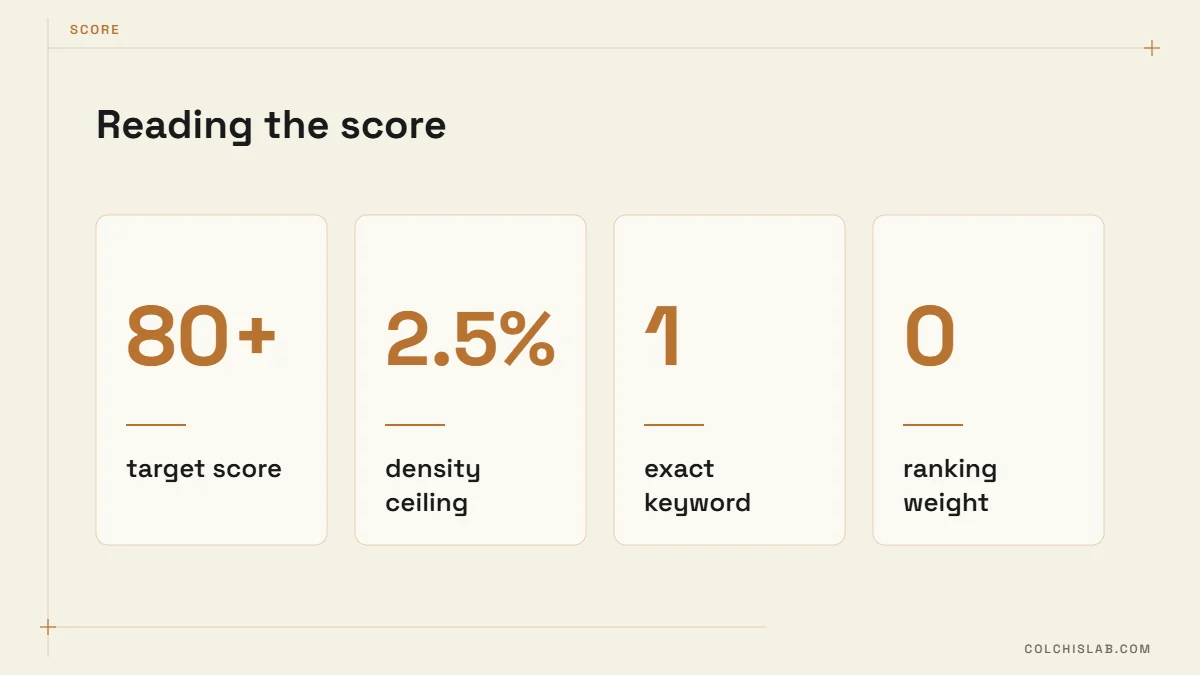
The 0–100 score in the editor is a checklist, not a ranking factor. We aim for 80+ on every post and stop there. A few things we learned the hard way running this blog:
- The focus keyword must appear in its exact form. A post with “connect website form to CRM” as the keyword scored 34 because the text said “connect your website form to a CRM”. Pick a phrase you will naturally write.
- The table of contents counts toward keyword density. If the keyword sits in three H2s, the TOC repeats it three more times. Over about 2.5% the density check drops to zero.
- Secondary keywords that contain the primary one double the count. Choose secondaries that don’t overlap.
- A number in the SEO title (a year, a step count) adds points. Use it only when it is true.
- An external link with target _blank is checked separately in each language version. Forget it in a translation and that version loses points.
A 15-Minute Rank Math Settings Checklist
Run this list on any site where you inherit Rank Math settings from a previous developer:
- Mode is Advanced; unused modules are off.
- Search Console is connected and the sitemap index is submitted.
- Date archives disabled, author archives disabled or noindexed, tags noindexed.
- Attachment redirects on.
- Homepage title and description written by a human, not left as the tagline.
- Default post schema is Article / BlogPosting; FAQ blocks output FAQPage.
- Five most important pages each have a focus keyword, SEO title and meta description.
- No important page is accidentally set to noindex (check the Rank Math column in the Pages list).
Rank Math Settings You Can Safely Ignore
Content AI, the Instant Indexing API for normal blog posts, link counter reports, and most of the Pro-only extras don’t move results for a small site. Spend the time writing one more useful page instead. If something changes in your rankings, Search Console is where you look first, not the plugin dashboard or more Rank Math settings.
Need the whole SEO setup done for you – plugin, schema, sitemaps, speed and content plan? See how we approach a website SEO audit and how AI search visibility fits in, or send us your project. We’ll review your current Rank Math settings and tell you what to change.
Is the free version of Rank Math enough for a small business?
For most small sites, yes. The free version covers SEO analysis, sitemaps, schema for articles and FAQs, redirections and Search Console data. Pro mainly adds advanced schema, more tracked keywords and extra reports.
Which Rank Math settings should I change first?
Choose Advanced mode in the wizard, switch off modules you don’t use, noindex date, author and tag archives, turn on attachment redirects, check the sitemap and set Article/BlogPosting as the default post schema.
Does a higher Rank Math score mean better Google rankings?
No. The score is an on-page checklist inside WordPress. Google does not read it. Aim for around 80 so the basics are covered, then focus on content quality and links.
Should I keep the 404 Monitor on?
Usually not permanently. It logs every bot request to missing URLs and the table grows quickly. Turn it on for a week after a redesign or migration, fix the real broken links, then switch it off.
Can I use Rank Math with Polylang on a bilingual site?
Yes. Polylang handles languages and hreflang tags, while Rank Math handles titles, schema and sitemaps per post. Make sure translations are linked and each language version has its own focus keyword.
Can Colchis Lab configure Rank Math for us?
Yes. We set up Rank Math, schema, sitemaps and Search Console, fix indexing issues and write SEO titles and descriptions for your key pages.