Table of Contents
Accepting Online Payments on Your Website in Georgia
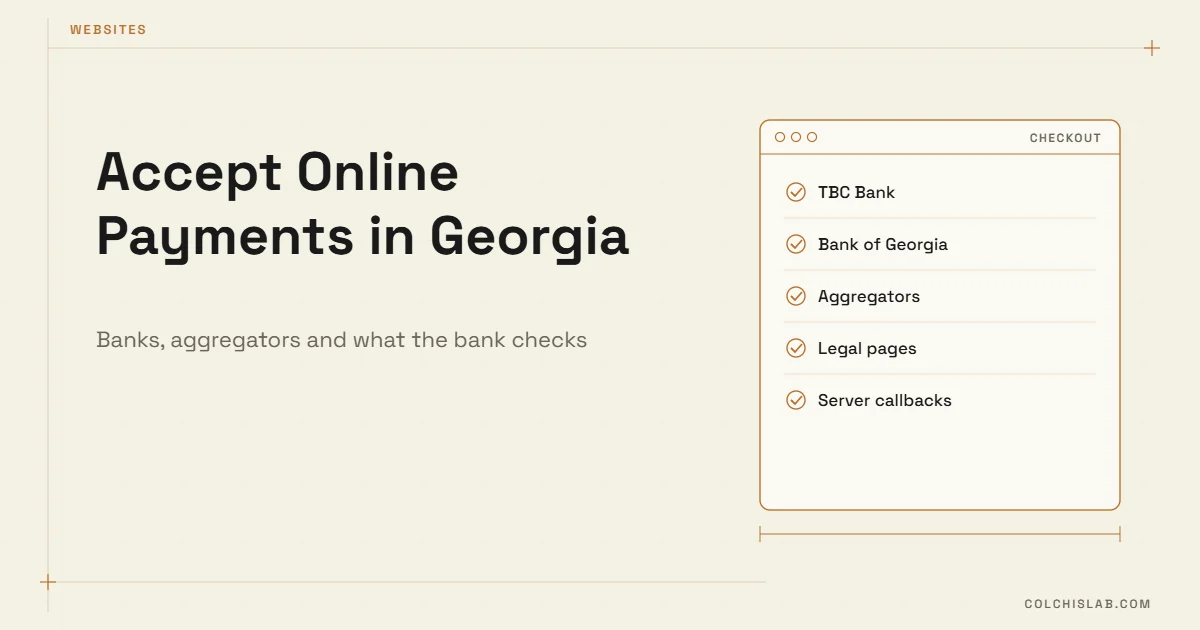
To accept online payments in Georgia, a website needs three things: a merchant agreement with a bank or payment provider (TBC Bank, Bank of Georgia, or an aggregator such as Flitt, Keepz, UniPay or Quickpay.ge), a hosted payment page or plugin connected to your site, and a set of legal pages the bank checks before it switches you to live mode. The card data never touches your server – the customer pays on the bank’s secure page and your site gets a callback saying whether the payment succeeded.
The technical part usually takes days. The paperwork and the bank’s review of your website take longer, so if you want to accept online payments in Georgia by a specific date, prepare both in parallel. This guide walks through the options, the requirements and a realistic launch order.
Table of Contents
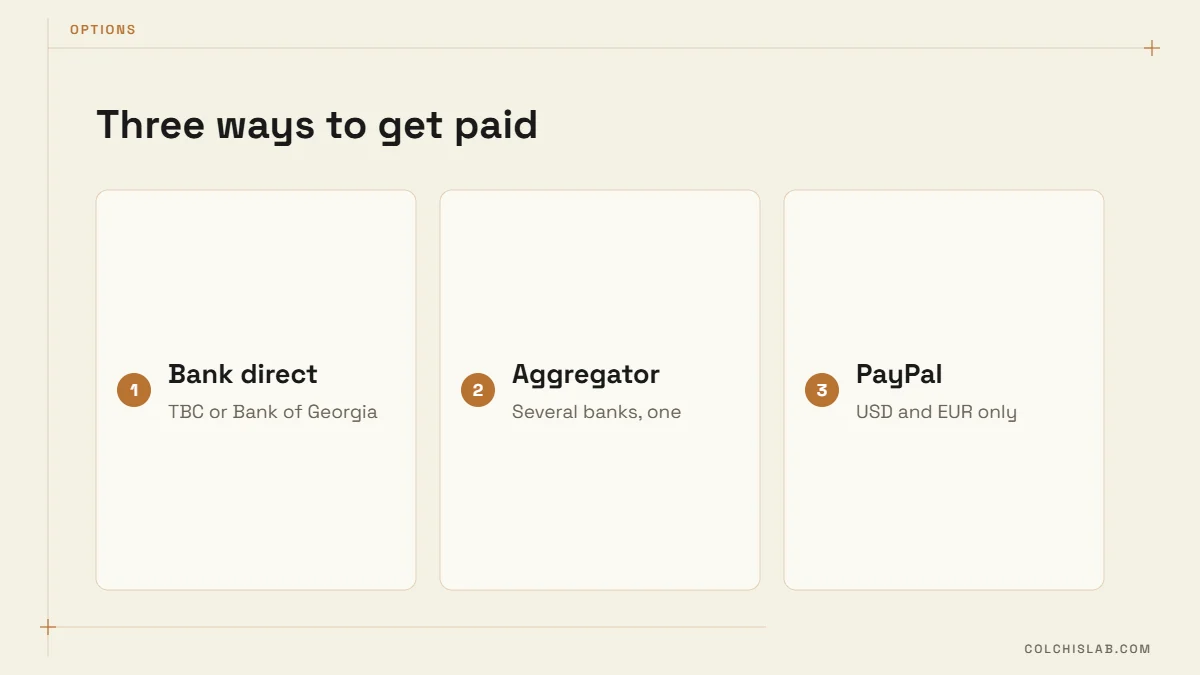
Three Ways to Accept Online Payments in Georgia
1. Direct bank integration (TBC or Bank of Georgia)
You sign a merchant (e-commerce) agreement with the bank and connect its checkout to your site. TBC’s e-commerce product offers an API plus ready plugins for WooCommerce, CS-Cart and some local platforms, according to the TBC Checkout documentation. Bank of Georgia offers its own payments API and plugin partners for WooCommerce and CS-Cart, including online installments.
Best for: businesses with steady volume that want the bank’s rate and direct support, and that bank with that institution already.
2. A local aggregator
Aggregators connect several methods through one contract and one plugin. For example, the Quickpay.ge plugin for WooCommerce lists card payments and installments from Bank of Georgia and TBC, plus Credo installments, Liberty Bank cards, Keepz, Flitt, UniPay and PayPal (USD/EUR) – which ones you get depends on the subscriptions active on your account.
Best for: shops that want installments from more than one bank, or several methods without signing several contracts.
3. International processors
Global platforms like Stripe have historically not onboarded Georgian-registered businesses, so check current availability before you design around one. PayPal works for receiving USD or EUR, but it is rarely what a Georgian customer expects at checkout. For local buyers, a Georgian bank card form is the default.
| Option | Setup effort | Installments | Good fit |
|---|---|---|---|
| TBC direct | Contract + plugin/API | TBC only | Local shops, service businesses |
| Bank of Georgia direct | Contract + plugin/API | BOG only | Local shops, higher volume |
| Aggregator | One contract, one plugin | Several banks | Stores wanting choice at checkout |
| PayPal | Account only | No | Foreign customers paying in USD/EUR |
What the Bank Checks on Your Website
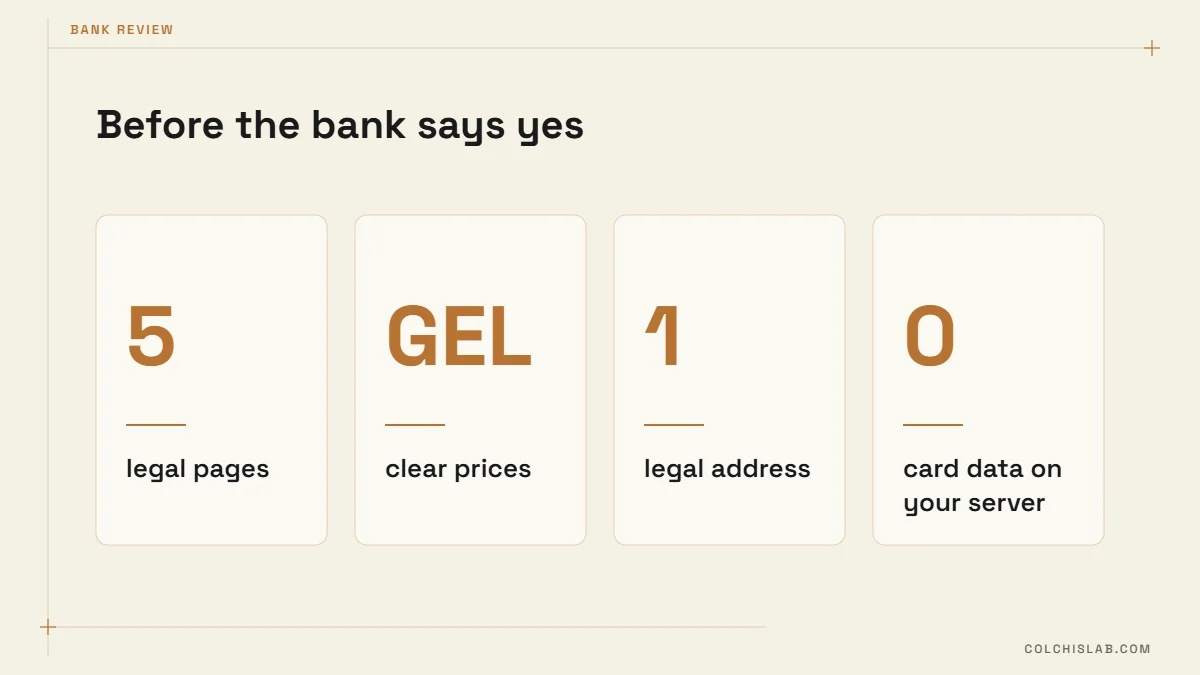
Before going live, banks review the site. TBC lists required information such as terms and conditions, a return policy, a privacy policy, a delivery policy and contact details including a physical or legal address. Bank of Georgia and aggregators ask for similar pages. Missing pages are the most common reason a launch slips by a week, whichever route you choose to accept online payments in Georgia.
- Terms and conditions – who sells, what, at what price, in which currency (GEL).
- Returns and refunds – Georgian consumer law gives buyers in distance sales a withdrawal right; state the period and how refunds reach the card.
- Privacy policy – what personal data you collect and why.
- Delivery policy – areas, timing, cost.
- Contacts – company name, identification code, legal address, phone, email.
- Clear prices on every product or service, and visible card logos at checkout.
How a Payment Actually Flows
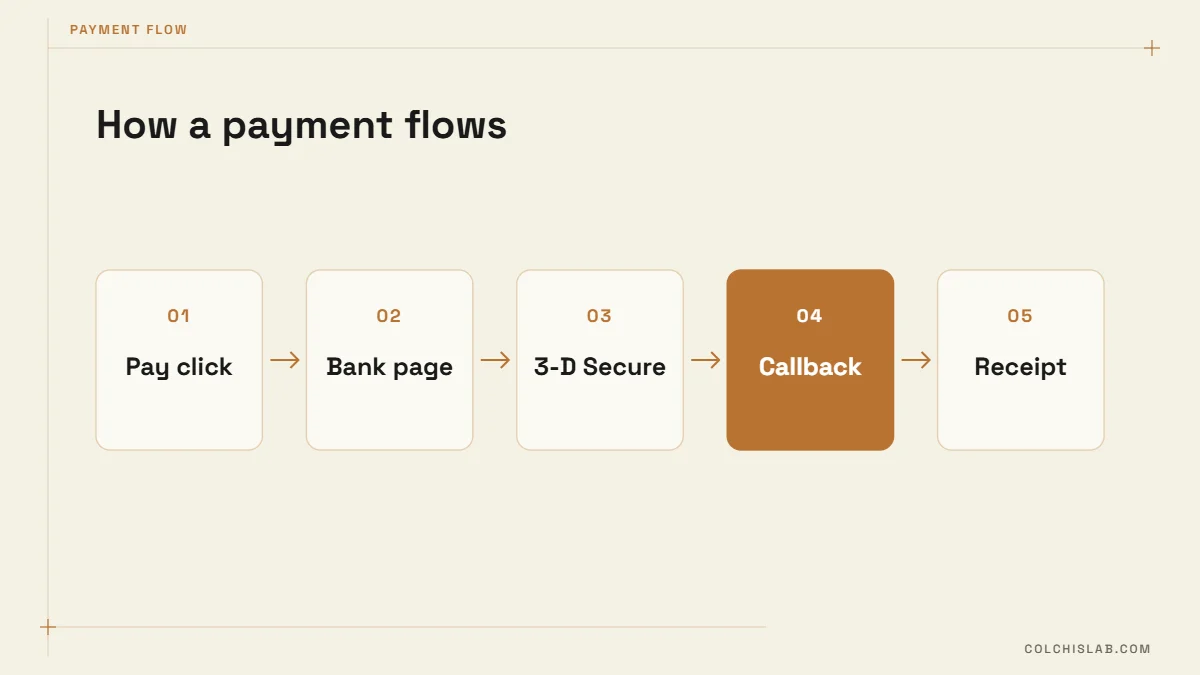
Whichever provider you pick, every setup used to accept online payments in Georgia follows the same basic pattern. Understanding the flow helps you avoid the classic bug: an order marked paid when it wasn’t, or a paid order that stayed “pending”.
- The customer clicks Pay. Your site creates an order and asks the bank’s API for a payment session.
- The customer is redirected to the bank’s hosted page and enters card details there (with 3-D Secure confirmation in their banking app).
- The bank redirects the customer back to your “thank you” URL.
- Separately, the bank sends a server-to-server callback with the real status. Only this callback should mark the order as paid.
- Your site sends the receipt email and, if you use a CRM, creates or updates the deal.
Step 4 is where cheap integrations cut corners. If your plugin trusts the redirect alone, a customer who closes the tab at the wrong moment leaves you with a paid order your system never recorded – or worse, the reverse.
A Realistic Launch Plan
- Week 1: apply for a merchant agreement and publish the legal pages. Ask the bank about commission, settlement time and installment terms – rates are negotiated, so compare written offers.
- Week 1–2: install the plugin or build the API integration in test mode; run successful, declined and refunded test payments.
- Week 2: the bank reviews your site and issues production credentials.
- Launch day: make one real small payment and refund it, check the callback marked the order correctly, and confirm the money appears in the next settlement.
If you are starting a store from scratch, our online store launch checklist covers everything around payments, and the WordPress vs Wix vs Shopify comparison explains why platform choice matters for Georgian banks: WooCommerce has the widest local plugin support.
What It Costs
There is no single price list, because commissions are negotiated per merchant. When you compare offers to accept online payments in Georgia, put these lines side by side:
- Transaction commission – a percentage per successful payment, often different for local and foreign cards.
- Fixed fees – monthly or setup fees, more common with aggregators.
- Installment cost – who pays the interest or merchant fee on installment sales.
- Settlement time – how many days until money reaches your account. Cash flow matters as much as the rate.
- Refund and chargeback handling – fees and the process when a customer disputes a payment.
- Development – a ready plugin on WooCommerce is cheap to install; a custom site or app needs API work and testing.
Five Mistakes We See on Georgian Checkouts
- Trusting the redirect instead of the server callback when marking orders paid.
- Prices without currency or mixed GEL and USD on one page – banks and buyers both dislike it.
- No refund path in the admin, so every refund becomes a bank phone call.
- Checkout only in English on a site whose customers are local – translate buttons, errors and emails.
- Never testing on mobile, where most Georgian buyers pay and where 3-D Secure switches to the banking app and back.
Beyond Card Payments
Once you accept online payments in Georgia reliably, the next gains come from the details around the checkout:
- Installments raise average order value for electronics, furniture and courses. Show the monthly amount on the product page, not only at checkout.
- Payment links sent in WhatsApp or Instagram DMs let service businesses take deposits without a full shop. They pair well with a WhatsApp chatbot.
- Saved cards and recurring payments for subscriptions, where the bank supports them.
- CRM sync so every payment updates the customer record automatically – see how to connect your website to a CRM.
Choosing the right setup to accept online payments in Georgia is less about the technology and more about matching your volume, your bank and your customers’ habits. If you want it done properly – contract checklist, plugin or API, callbacks, CRM and receipts – send us your project and we’ll recommend the simplest option that fits.
Which banks let a website accept online payments in Georgia?
The main options are TBC Bank and Bank of Georgia through direct merchant agreements, plus aggregators such as Flitt, Keepz, UniPay and Quickpay.ge, which bundle several banks and methods behind one integration.
Do I need a company to accept card payments on my website?
Banks sign e-commerce agreements with registered businesses, including individual entrepreneurs. Check the bank’s current requirements, since documents and checks can change.
What pages does my site need before the bank approves it?
Terms and conditions, a return and refund policy, a privacy policy, a delivery policy and full contact details with a legal or physical address, plus clear prices in GEL.
Does card data pass through my website?
Not with a hosted payment page. The customer enters card details on the bank’s page and your site only receives the payment status, which keeps your PCI scope minimal.
Can I offer installments online?
Yes. TBC and Bank of Georgia both offer online installments for e-commerce, and aggregators can show installments from several banks at once.
How long does it take to launch online payments?
Typically one to three weeks. The integration itself can take a few days; the merchant agreement and the bank’s review of your website usually take longer.