Table of Contents
How to Start an Online Store: Launch Checklist for 2026
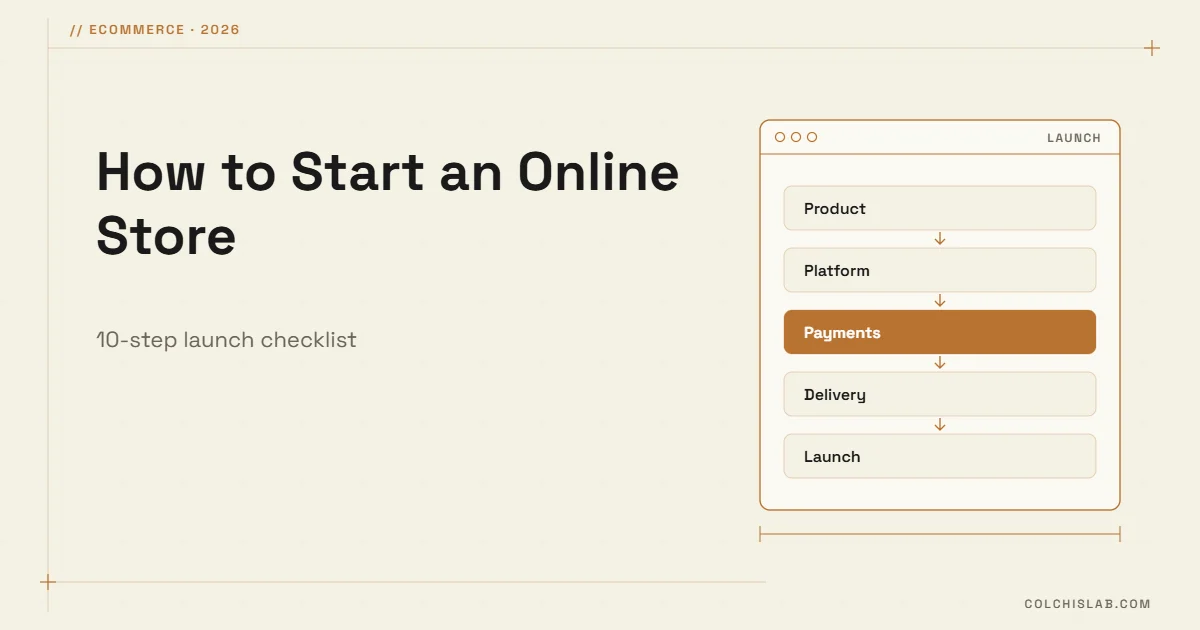
Knowing how to start an online store comes down to ten decisions: what you sell and to whom, whether the margins work, which platform you build on, how you take payments, how you deliver, which legal pages you publish, and how buyers will find you. Get those right and a small store can launch in four to eight weeks for a few hundred to a few thousand dollars.
The cost depends mostly on the platform. Shopify’s Basic plan is $39 a month ($29 billed yearly) according to its pricing page; WooCommerce is a free WordPress plugin, but you pay for hosting, a theme and extensions. A custom-designed store built by an agency usually starts around $5,000. Our guide to how much a business website costs breaks these numbers down.
Table of Contents
How to Start an Online Store: the 10 Steps
- Validate the product and the target buyer.
- Check unit economics: price minus all costs per order.
- Choose the platform: Shopify, WooCommerce or custom.
- Register the domain and set up business email.
- Connect a payment gateway and test it.
- Define delivery zones, rates and timelines.
- Publish terms, privacy, delivery and returns pages.
- Build product pages with real photos and full details.
- Run the pre-launch checklist with real test orders.
- Launch, then drive the first traffic: search, social, email.
Validate the Product and the Numbers First
Most new stores fail on margins, not design. Before you buy a theme, write down what one order really costs you:
- Product cost – purchase or production price, packaging included.
- Payment fees – typically 2–3% of the order value plus a fixed fee per transaction.
- Delivery – what you pay the courier, even if the buyer sees “free shipping”.
- Returns – a share of orders will come back; budget for it.
- Acquisition – ad spend or discount per order, at least at the start.
If the price minus these costs leaves less than 20–30% of the order value, rethink the price, the product mix or the delivery model before spending on the website. Check demand too: search the product in Google, look at marketplaces and competitors, and ask ten potential buyers what they would pay.
Choose a Platform: Shopify, WooCommerce or Custom
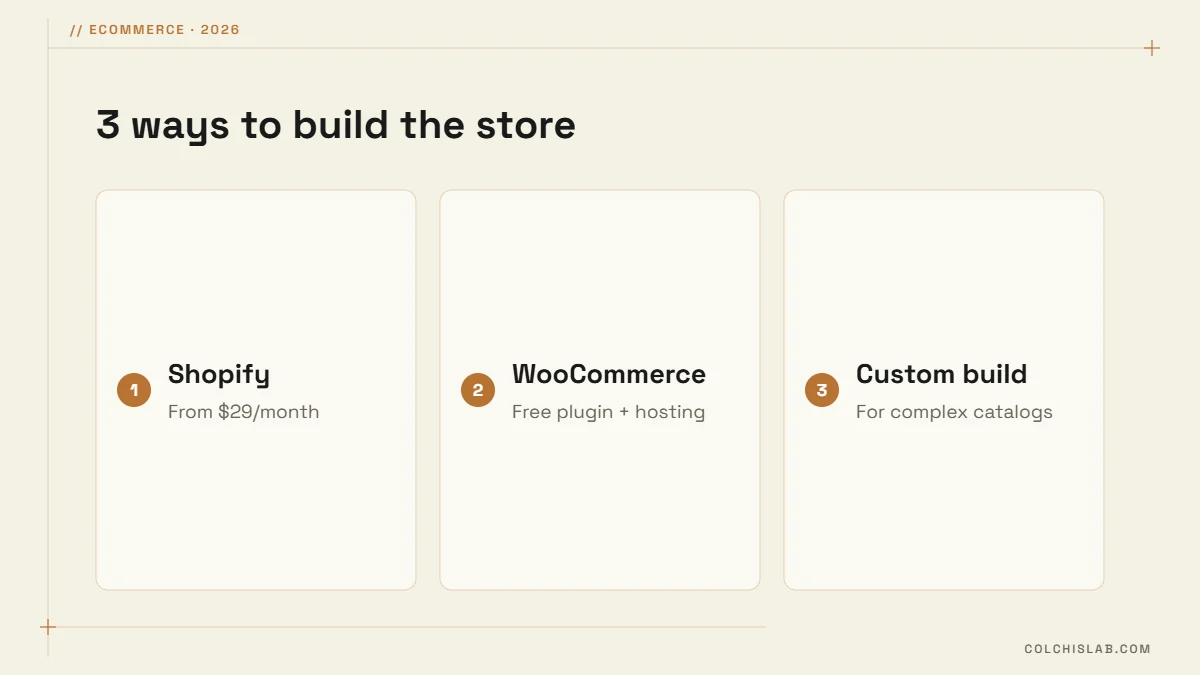
All three can run a professional store. The right choice depends on how much control you need and who will maintain the site. We compare the main builders in detail in WordPress vs Wix vs Shopify.
| Platform | Typical monthly cost | Best for | Watch out for |
|---|---|---|---|
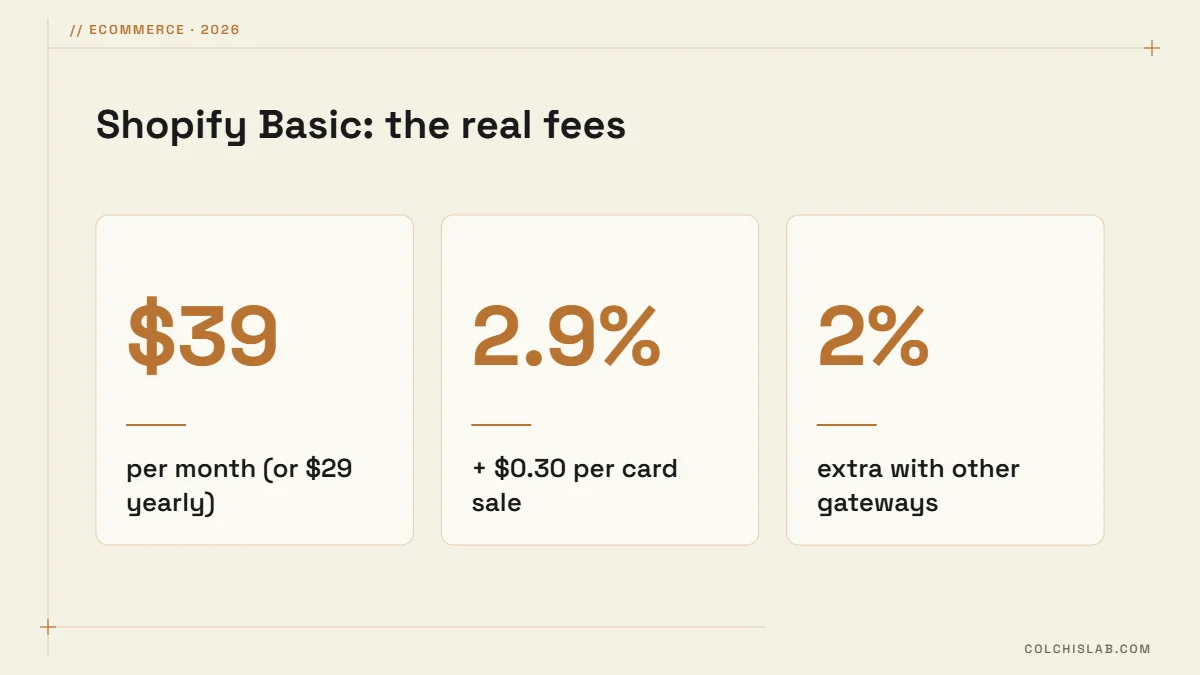
| Shopify | $39 Basic ($29 yearly) + apps | Fast launch, small team, no developer | 2% extra fee if you use a third-party gateway; app subscriptions add up |
| WooCommerce | Plugin free; hosting $10–$50+ | Full control, existing WordPress site, local payment gateways | You handle updates, backups and security |
| Custom build | $5,000–$25,000+ to build | Complex catalogs, B2B pricing, marketplaces | Longer build and higher upfront cost |
On Shopify the subscription is only part of the bill. Card processing and, where Shopify Payments is not available, an extra transaction fee apply to every sale:
Set Up Payments, Delivery and Legal Pages
Buyers abandon a checkout the moment something feels unsafe or unclear. Three things need to be settled before launch:
- Payments. Offer cards plus the local methods your buyers already use. Run a real paid order and a refund through the gateway before launch, not only test mode.
- Delivery. Define zones, prices and delivery times, and show them on product pages, not only at checkout. A free-delivery threshold slightly above your average order raises basket size.
- Legal pages. Publish terms of sale, a privacy policy, delivery terms and a returns policy. In the EU, and in Georgia under the Law on the Protection of Consumer Rights, buyers can withdraw from an online purchase within 14 calendar days without giving a reason, so your returns page must say how that works.
Build Product Pages That Sell
Product pages do the selling a shop assistant would do in person. Each one should include:
- Real photos from several angles, plus a short video where it helps.
- Specifications buyers compare: size, material, compatibility, what is in the box.
- Price, delivery cost and delivery time in one visible place.
- Stock status and variants that are easy to pick on a phone.
- Reviews and answers to common questions.
- Product structured data, so Google can show price and availability in results.
Pre-Launch Checklist for a New Online Store
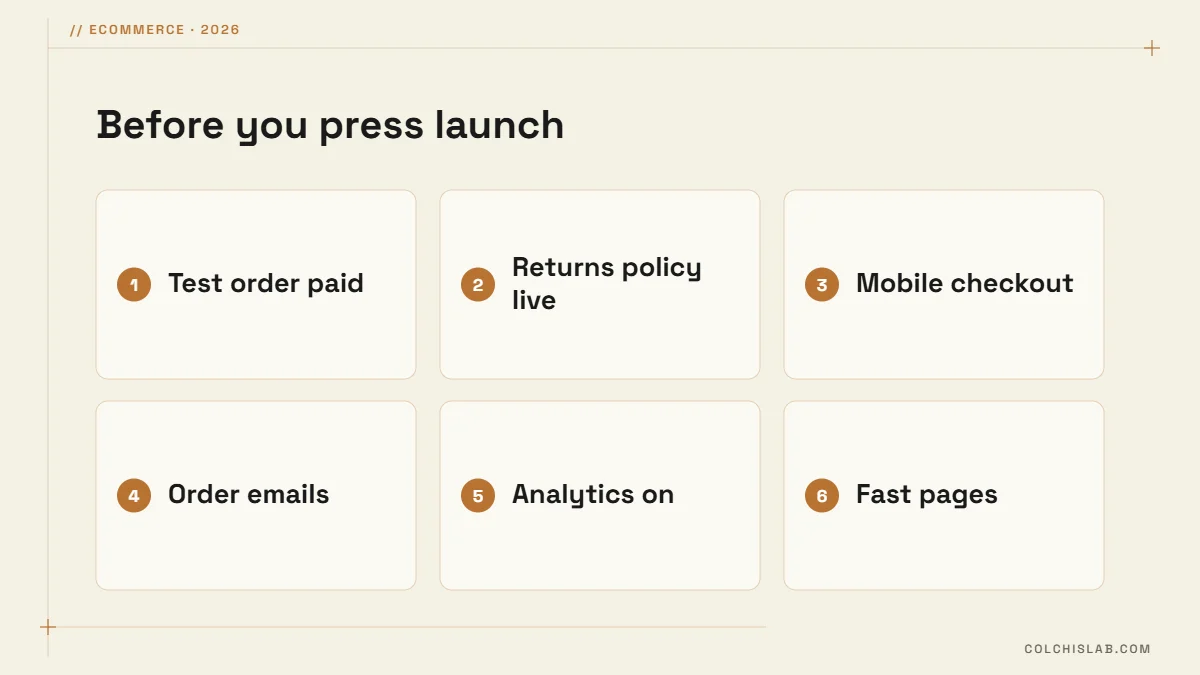
- Place at least three real orders: card payment, a refund and a delivery to your own address.
- Check order confirmation, shipping and abandoned-cart emails in Gmail and Outlook.
- Complete a purchase on a phone over mobile data, not office Wi-Fi.
- Install analytics and confirm purchases are tracked as conversions.
- Test page speed; product and category pages should load fast on mobile.
- Submit the sitemap to Google Search Console and connect Google Merchant Center.
How to Get the First Orders
- Google free listings. Products uploaded to Google Merchant Center can appear in the Shopping tab without ad spend.
- Category pages with real text. A short buying guide on each category page helps it rank for “buy X online” searches.
- Instagram and Facebook. Tag products in posts and answer DMs fast; our guide to Instagram DM automation shows how to reply in seconds.
- Email capture. A small first-order discount builds a list you own.
- A modest test ad budget. Start small, measure cost per order, then scale what works.
Once you know how to start an online store, the work shifts to steady improvement: better photos, more reviews, faster pages and better product descriptions. Our web development team builds WooCommerce and custom stores with local payment gateways and SEO set up from day one. Check our prices or tell us about your store.
How much does it cost to start an online store?
A simple store on Shopify or WooCommerce can launch for a few hundred dollars plus monthly fees: Shopify Basic is $39 a month, while WooCommerce needs hosting from about $10 a month. A custom-designed store built by an agency usually costs $5,000–$25,000, depending on catalog size and integrations.
Is Shopify or WooCommerce better for a small store?
Shopify is faster to launch and needs no maintenance, which suits small teams without a developer. WooCommerce gives more control, lower ongoing fees and easier integration with local payment gateways, but someone must handle updates and backups. If you already run WordPress, WooCommerce is usually the natural choice.
How long does it take to launch an online store?
A store with up to 50 products on a ready theme takes four to six weeks, most of it spent on photos, product texts and payment setup. A custom design or complex integrations with stock, accounting or CRM systems usually stretch the timeline to two or three months.
What legal pages does an online store need?
At minimum: terms of sale, a privacy policy, delivery terms and a returns policy, plus a cookie notice if you use tracking. In the EU and Georgia, buyers have a 14-day right to withdraw from online purchases, so the returns page must explain how to exercise it and how refunds are made.
Do I need a registered business to sell online?
In most countries, yes, once you sell regularly. The legal form, tax registration and invoicing rules depend on where you operate; in Georgia many small sellers start as individual entrepreneurs. Payment gateways also ask for business details during onboarding, so check the requirements with an accountant early.
How do I get my first customers?
Start with channels that cost little: Google Merchant Center free listings, Instagram and Facebook posts with product tags, friends-and-family referrals and a first-order discount for email sign-ups. Then test a small ad budget, measure cost per order and scale only the channels that pay back.