CRM INTEGRATION

Smarter customer management, stronger business relationships.
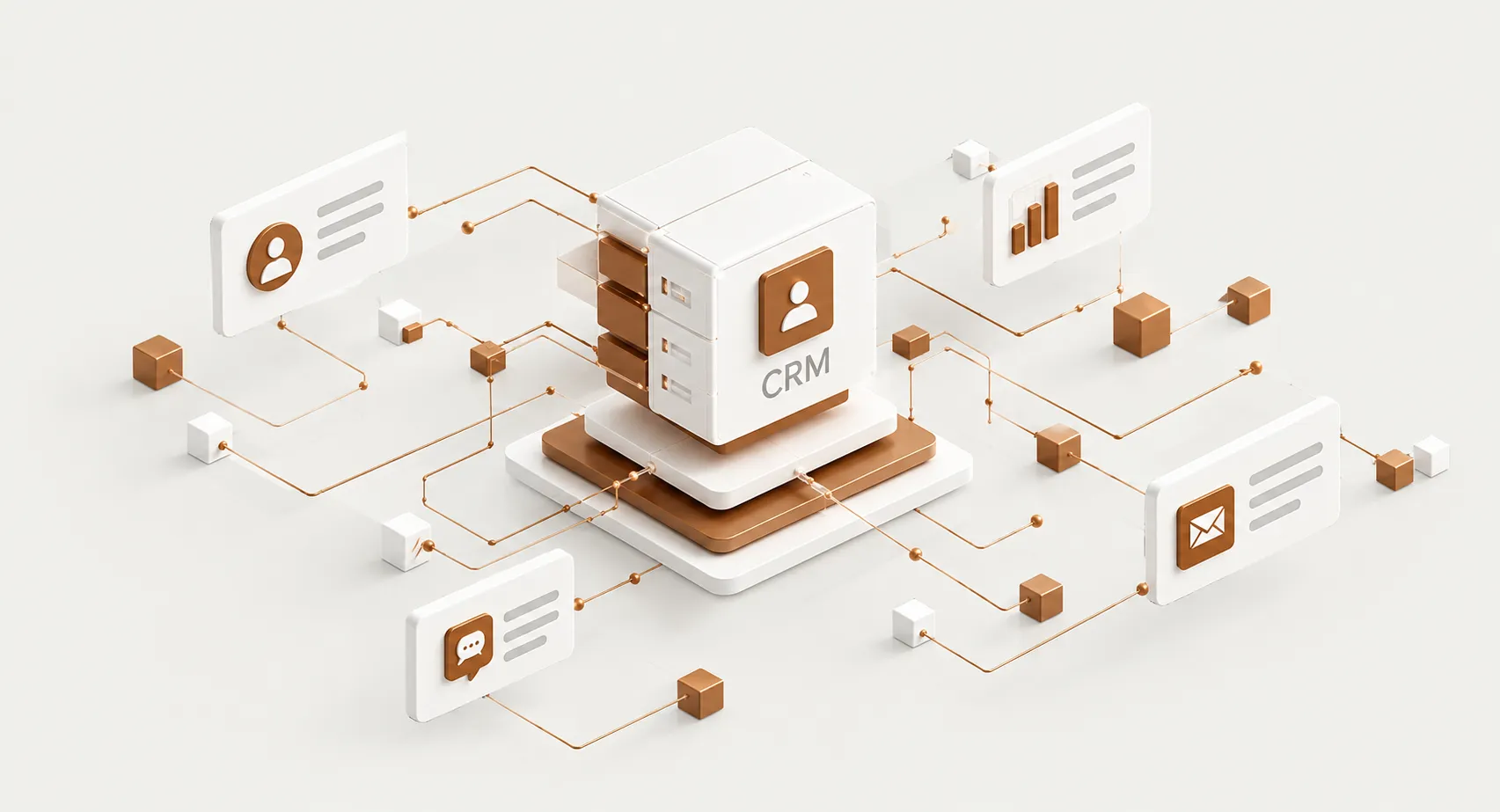
Contacts Pipeline Deals Analytics Automation
CRM Infrastructure Illustration
03/04
01 — CRM

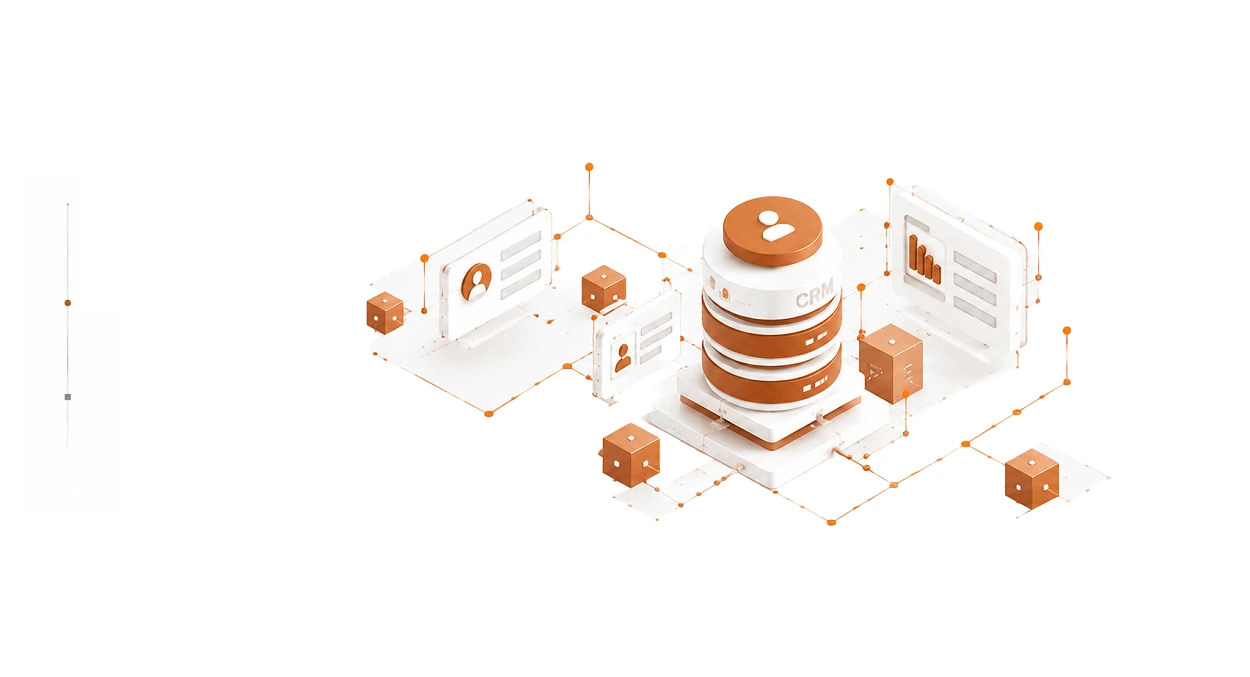
CRM Setup

Structure your customer data around the way your business actually operates.
Learn more ↗
CRM Setup
02 — WEBSITE

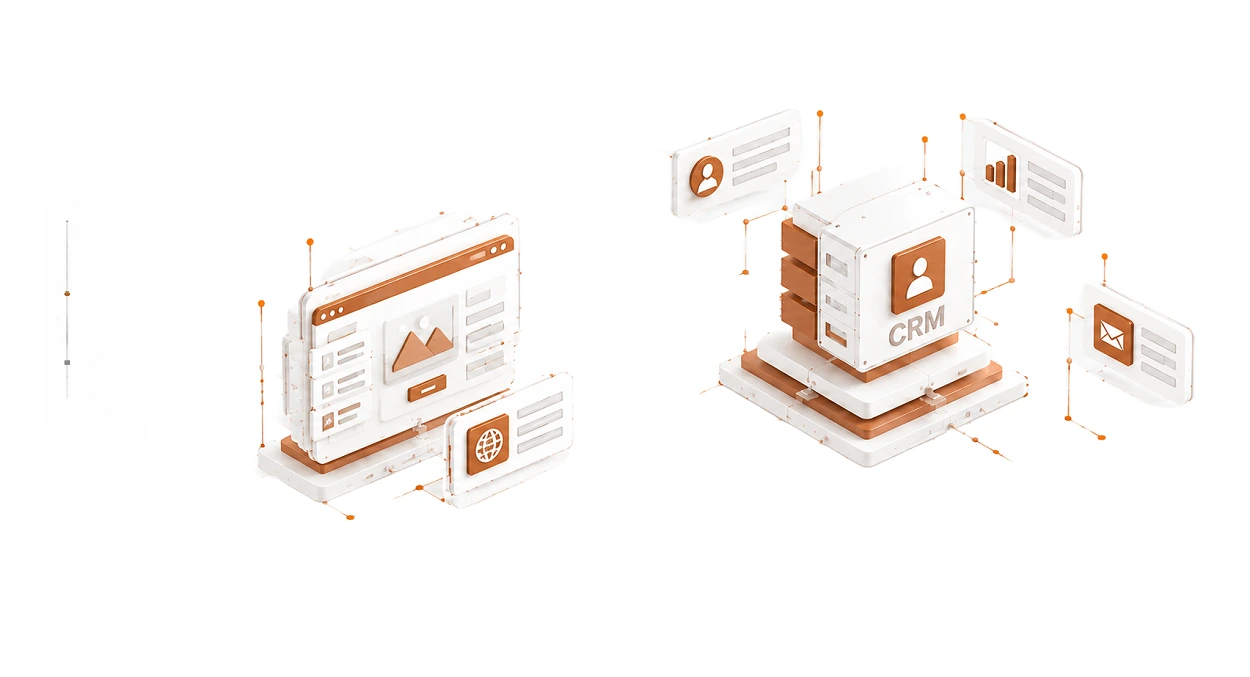
Website - CRM

Automatically move enquiries, forms and leads into your sales system.
Learn more ↗
Website - CRM
03 — SALES

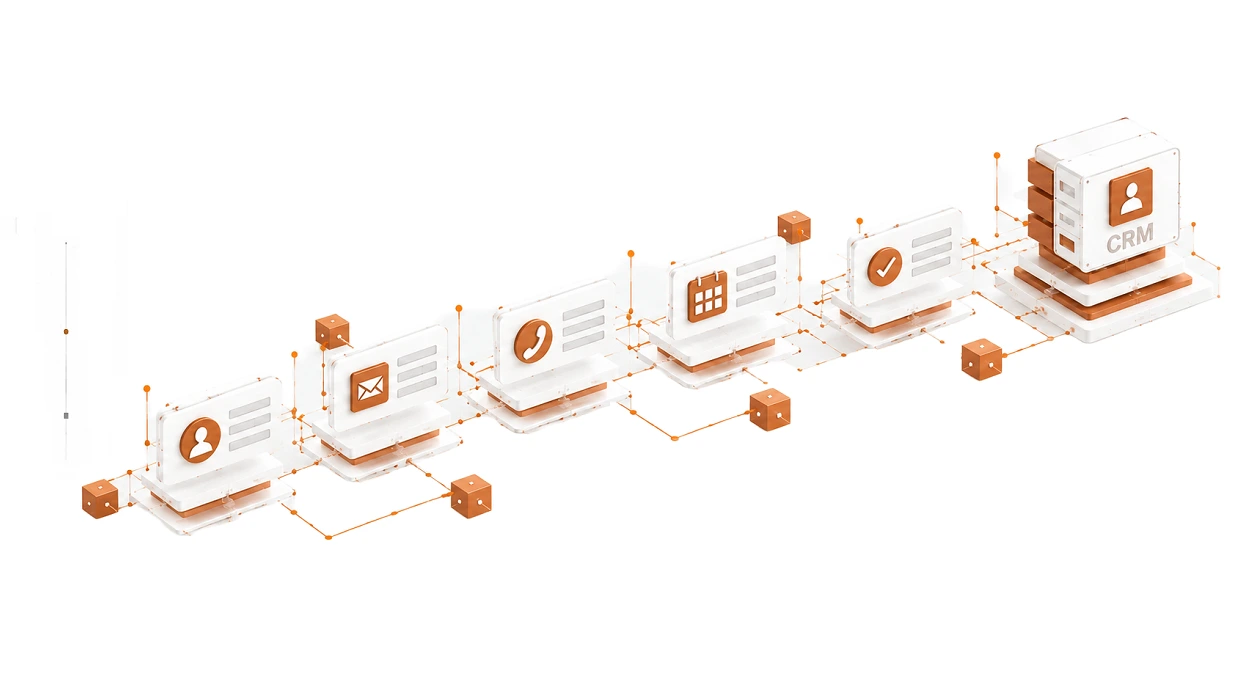
Sales Workflows

Connect lead stages, assignments, notifications and follow-ups.
Learn more ↗
Sales Workflows
04 — DATA

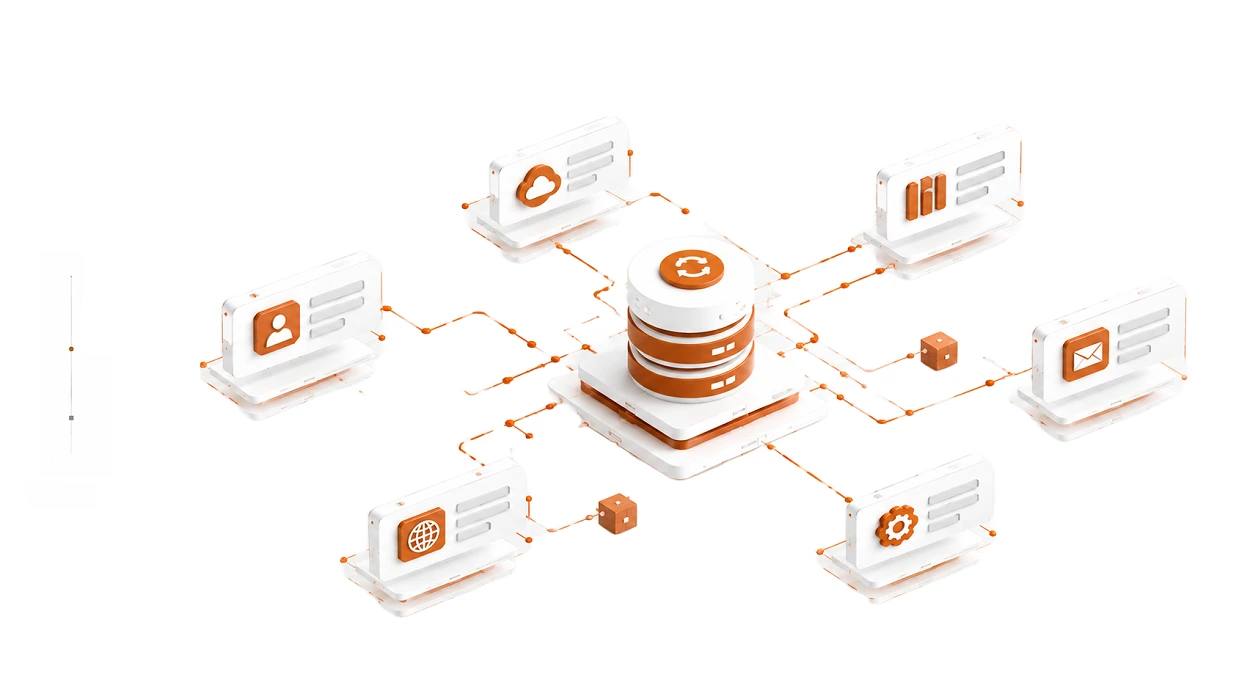
Data Synchronization

Keep information consistent across connected platforms.
Learn more ↗
Data Synchronization
05 — API

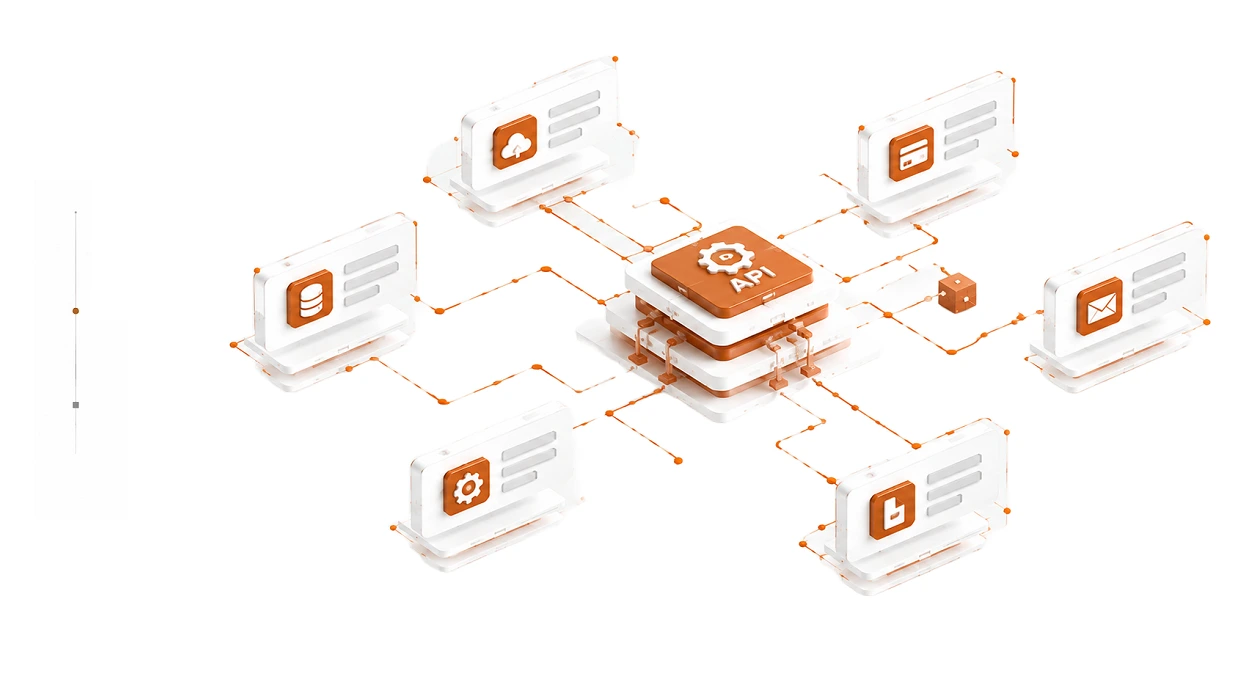
API Integrations

Connect your CRM with the tools and services your business depends on.
Learn more ↗
API Integrations
06 — SYSTEMS

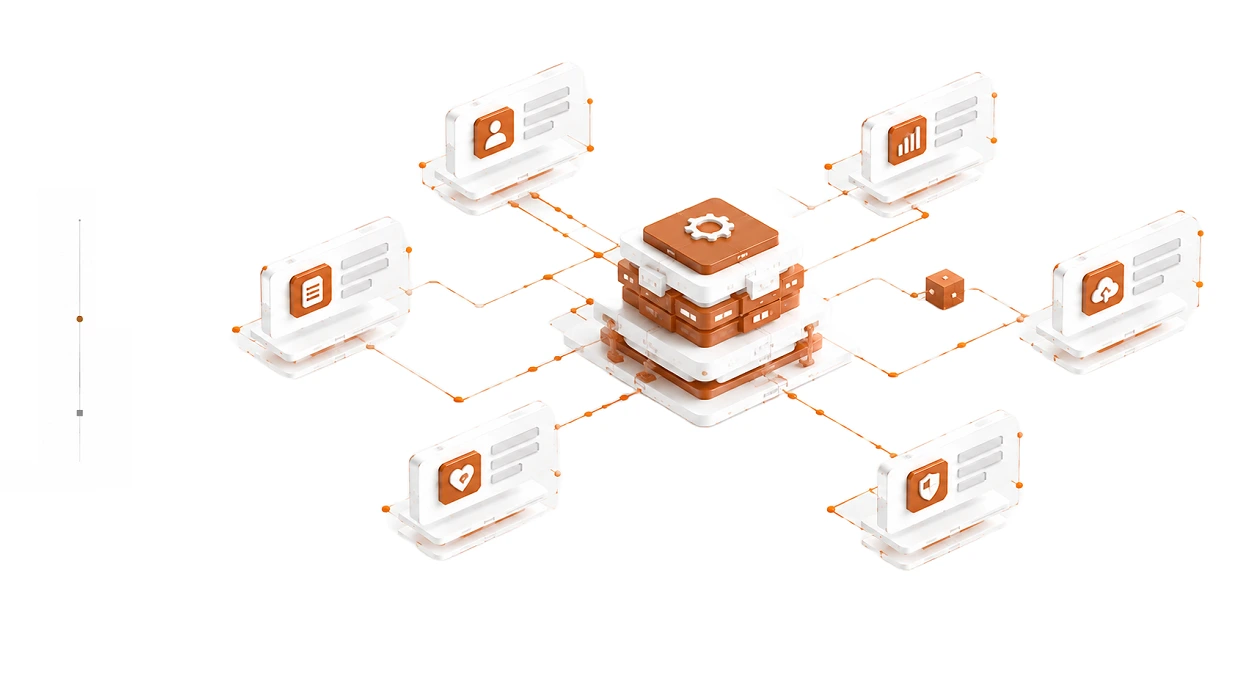
Custom Systems

Build connections where existing integrations aren’t enough.
Learn more ↗
Custom Systems
× Full View
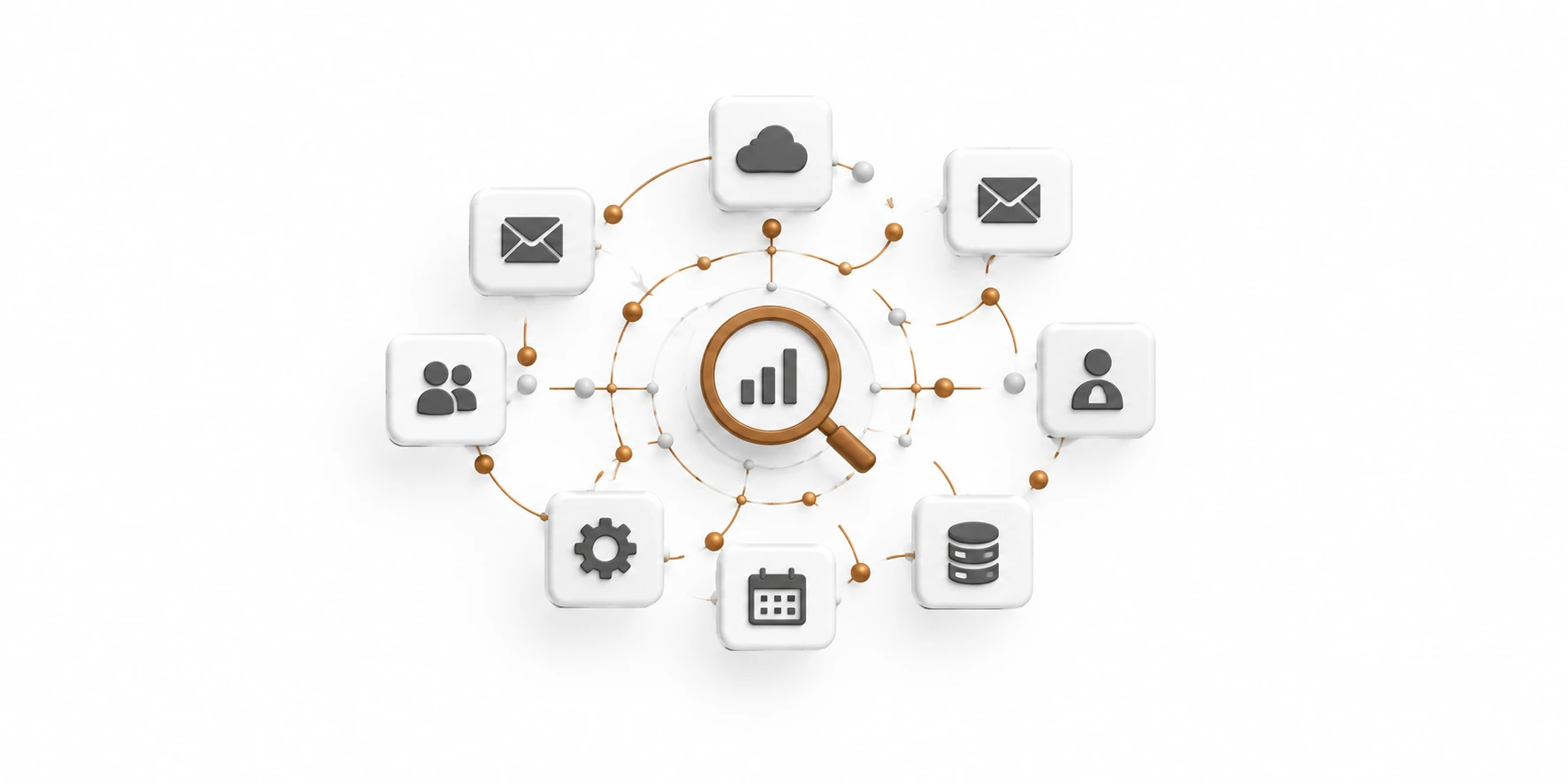
Our CRM Integration Process

Our CRM Integration Process: From Data Mapping to System Optimization

01

Map Existing Tools and CRM Workflows
STEP 01

MAP

Understand your tools, data and existing workflows.

02
Analyze Data Gaps and Manual Steps
STEP 02

ANALYZE

Find gaps, duplication and unnecessary manual steps.

03
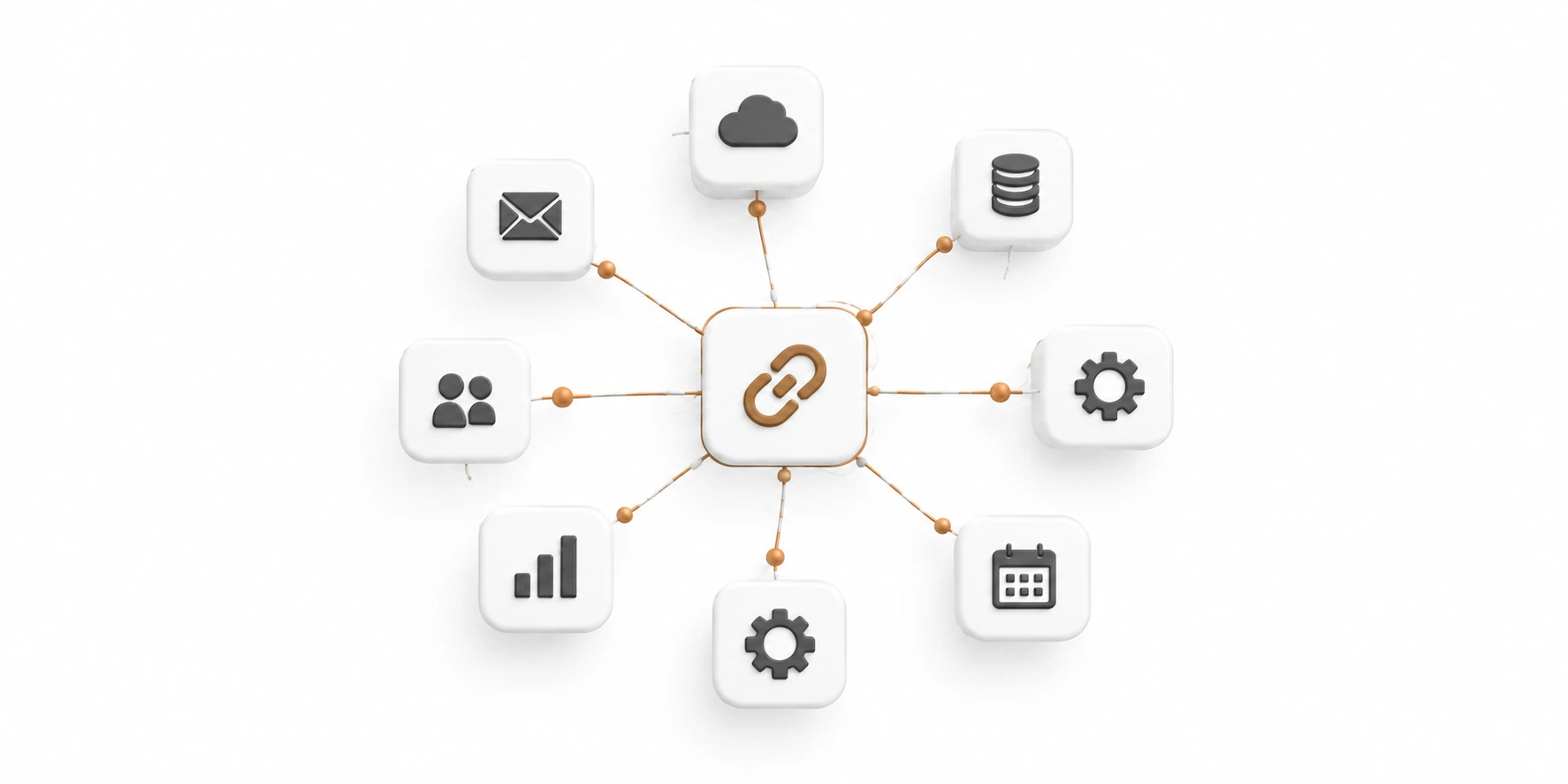
Connect and Build CRM System Integrations
STEP 03

CONNECT

Build the required integrations between systems.

04

Synchronize Data Across Platforms
STEP 04

SYNCHRONIZE

Make information move consistently across platforms.

05
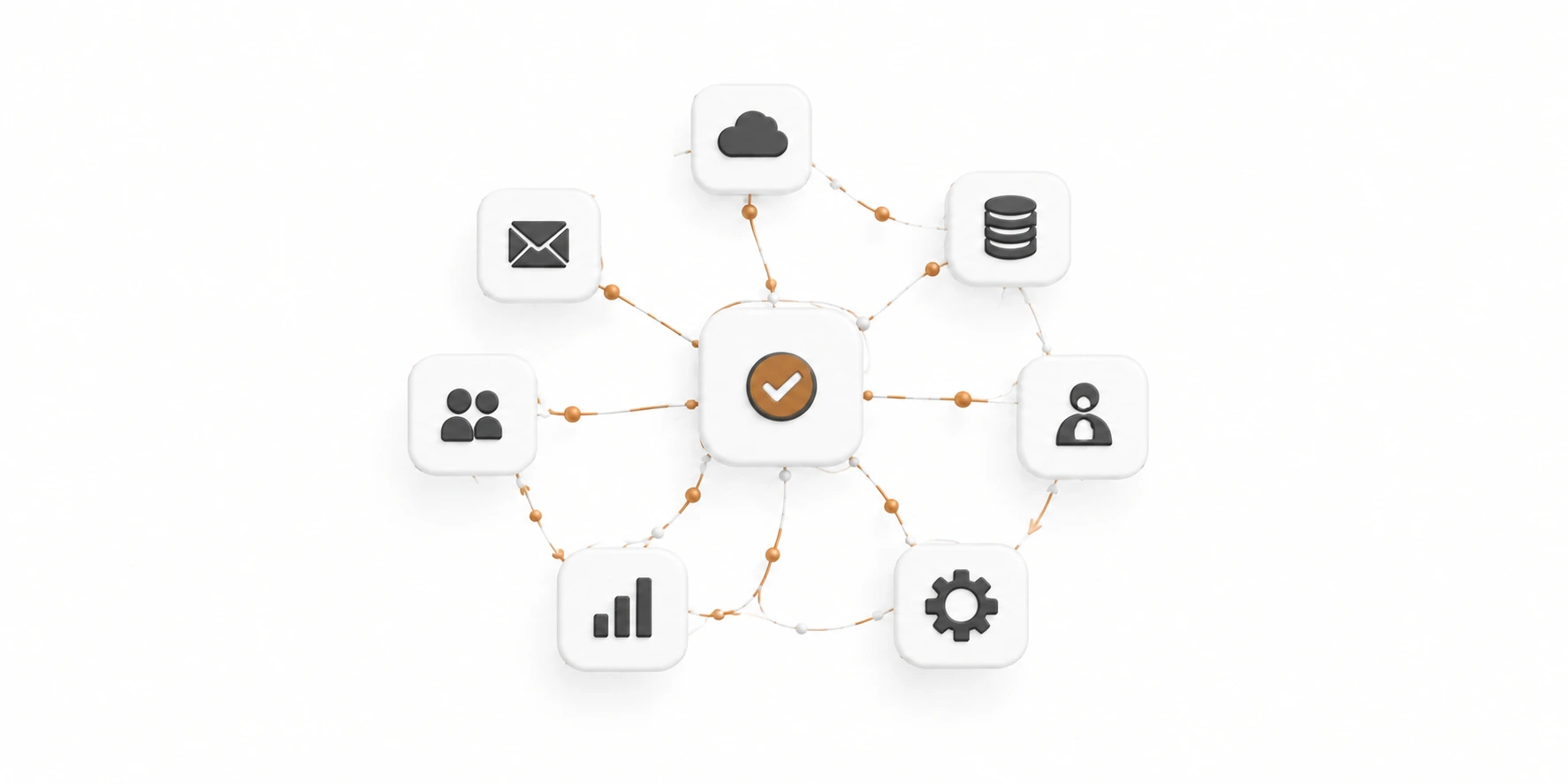
Test CRM Workflows and Edge Cases
STEP 05

TEST

Validate data, workflows and edge cases.

06
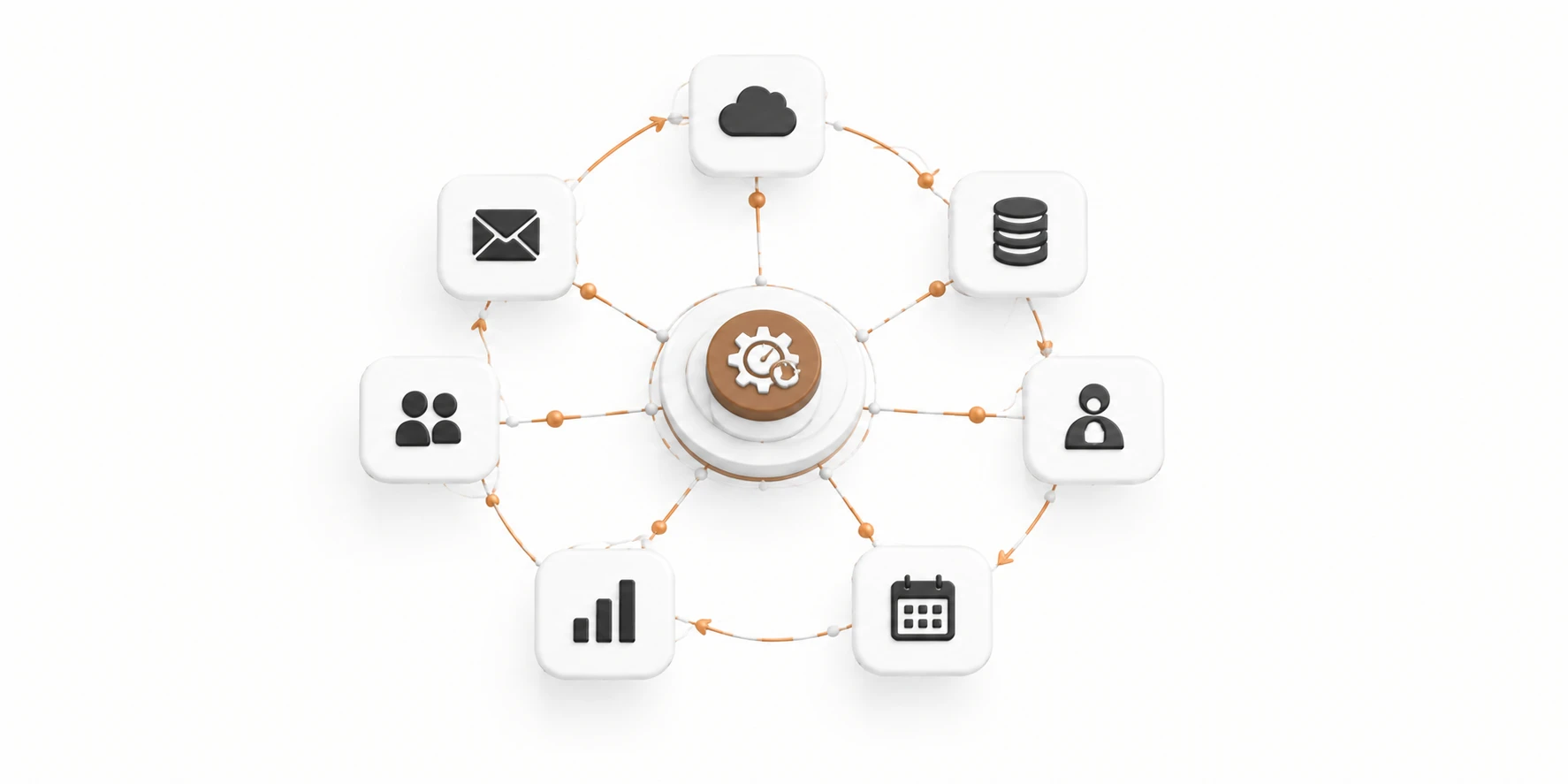
Optimize CRM System and Refine Processes
STEP 06

OPTIMIZE

Refine the system as your business evolves.

Frequently Asked Questions (FAQ)

What is CRM integration, and why does my business need it?

CRM integration connects your customer relationship management system with the other tools your business uses. It helps centralize customer information, reduce manual data entry, improve team collaboration, and create a more efficient sales and customer management process.

Do you integrate existing CRMs or build your own?

Both. We integrate popular CRM platforms with your existing business tools, and we also build custom CRM solutions from the ground up. If your business needs a tailored system, we can design and develop a CRM around your specific workflows, requirements, and goals.

Can you connect my CRM with my website?

Yes. We can connect your CRM with your website to automatically capture leads, send form submissions, update customer records, and keep your sales team informed when new inquiries arrive.

Can you integrate my CRM with other business tools?

Absolutely. We can connect your CRM with email platforms, communication tools, automation bots, spreadsheets, and other software to help information move between systems without unnecessary manual work.

Can you migrate my existing customer data into a new CRM?

Yes. We can help transfer customer records, organize your data, and set up your new CRM. We also review the migration process to help maintain data accuracy and reduce disruption to your business.

How long does CRM integration take?

The timeline depends on the CRM platform, the number of systems involved, and the complexity of your workflows. A simple integration may take a few days, while a more advanced project can take several weeks.

Will CRM integration change the way my team works?

Our goal is to make your team's work easier, not more complicated. We design integrations around your existing processes and can help configure workflows, notifications, and automations that reduce repetitive tasks.

Do you provide support after the integration is completed?

Yes. We can provide ongoing support, troubleshooting, updates, and improvements to help keep your CRM integrations reliable as your business grows.

Scroll to Top