Table of Contents
Google Business Profile Optimization: A Step-by-Step Guide
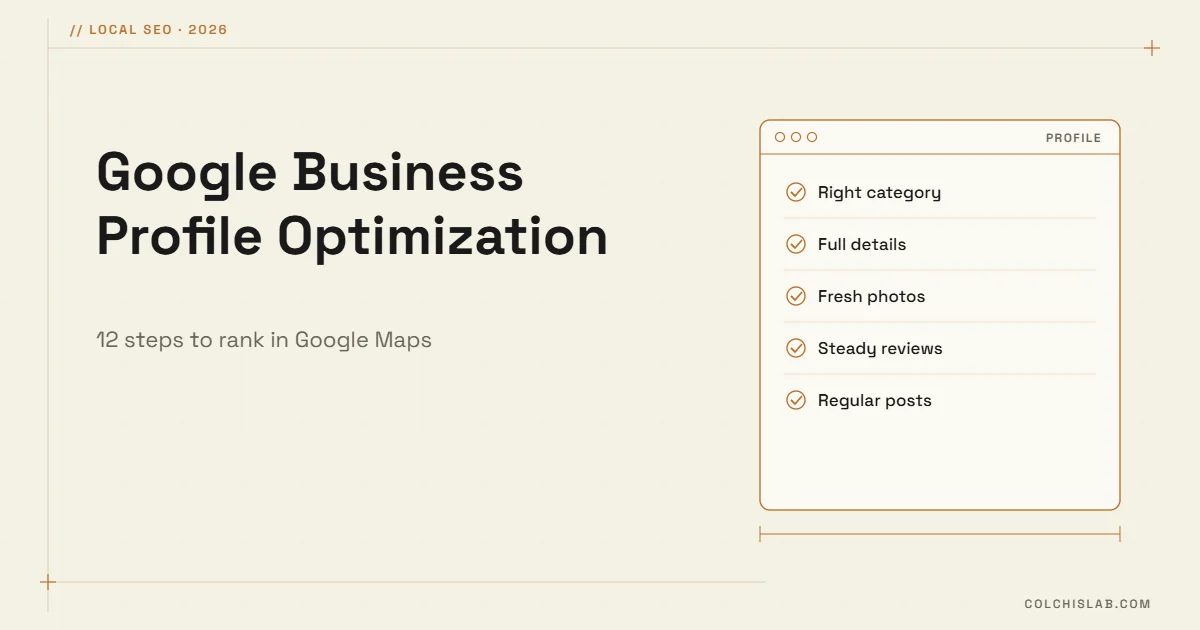
Google Business Profile optimization means filling in and maintaining every part of your free Google listing – name, categories, hours, services, photos, reviews and posts – so you appear in Google Maps and the local pack when nearby customers search for what you sell. Google ranks local results on three things: relevance, distance and prominence. You cannot move your office, but you control most of the rest.
The profile matters even more in 2026. Google has retired the public Q&A section and is answering questions in Maps with AI, drawing on your profile, your reviews and your website. A complete, accurate profile with detailed reviews is now what those answers are built from.
Table of Contents
How Google Ranks Local Businesses
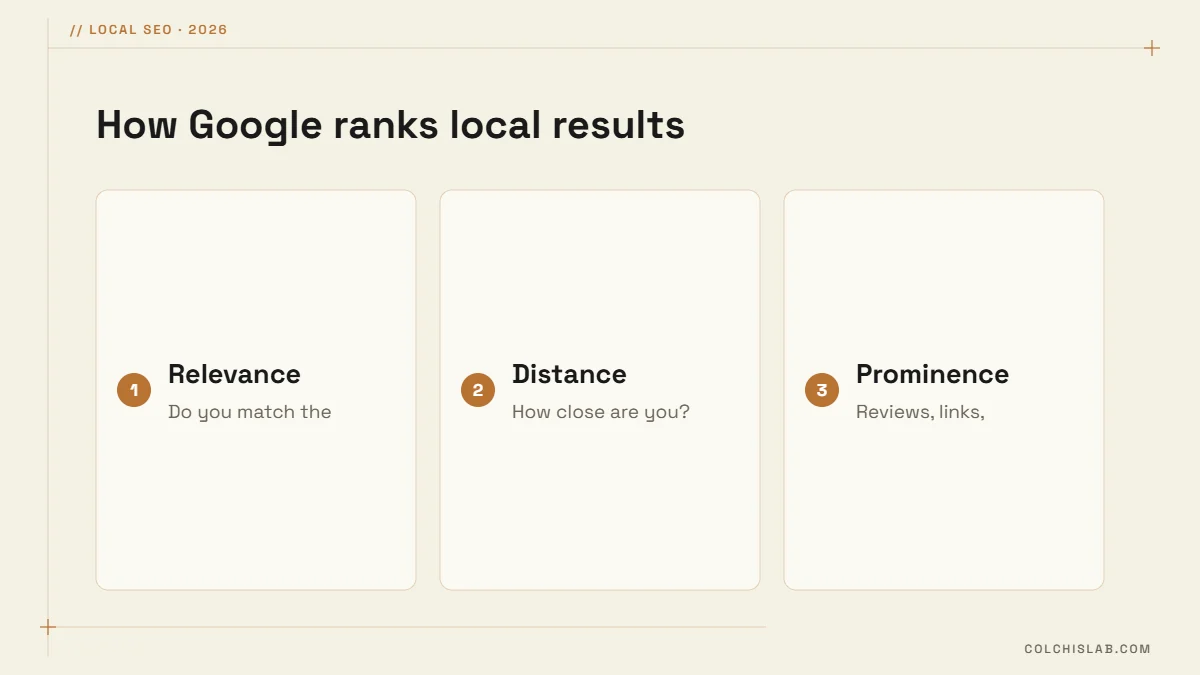
Google’s own guide to improving your local ranking names the three factors. Relevance is how well your categories, services and description match the search. Distance is how far you are from the searcher or the place they named. Prominence is how well known you are: review count and rating, links and mentions across the web, and your website’s strength in regular search.
Google Business Profile Optimization in 12 Steps
- Claim and verify the profile. Search your business on Google or go to business.google.com. Verification may be by video, phone, email or postcard; until it is done, edits stay hidden.
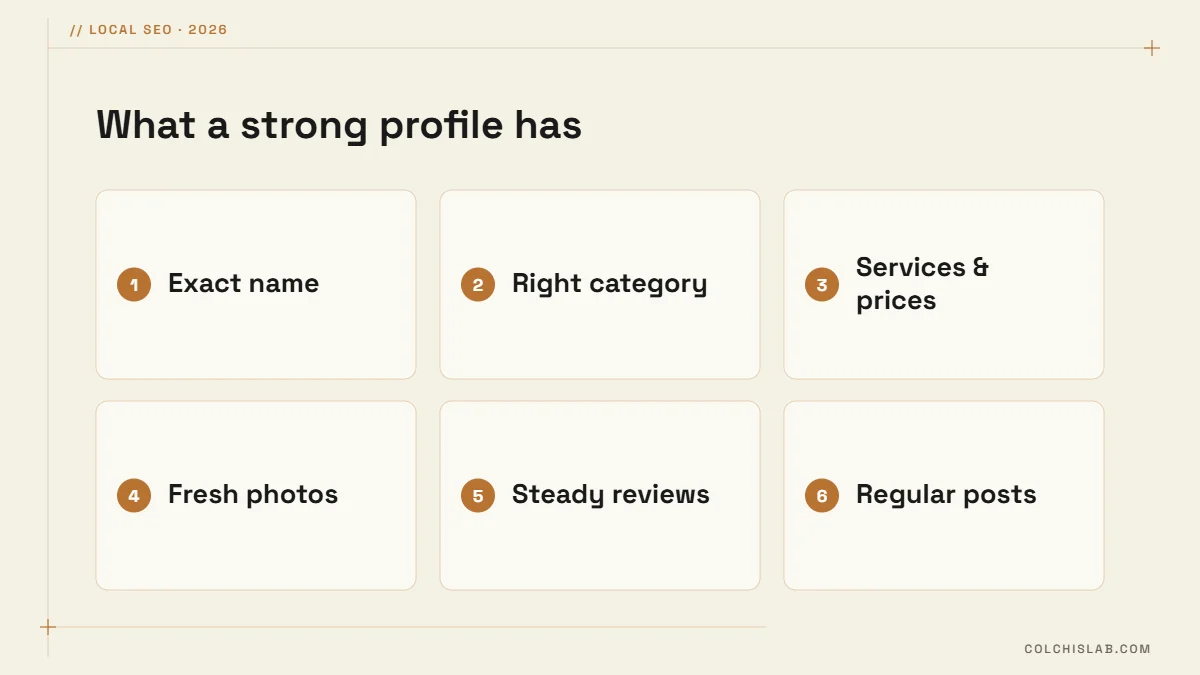
- Use your exact real-world name. The same name as on your sign and documents, with no added keywords or cities. Keyword-stuffed names are a common reason for suspension.
- Pick the most specific primary category. “Dental clinic” beats “Health”. Add relevant secondary categories, but only ones that describe what you actually do.
- Set the address or service area. Businesses that visit customers can hide the address and list the areas they serve.
- Keep hours accurate, including special hours for holidays. Wrong hours lead to bad reviews faster than anything else.
- Add phone and website. Use a tracked website link with UTM parameters so profile visits show up separately in analytics.
- Write the description. Up to 750 characters: what you do, for whom, where, and what makes you different, in plain language without links or promotions.
- List services and products with prices. Each service is another chance to match a search and gives AI answers concrete facts.
- Fill in attributes, such as wheelchair access, payment methods, languages spoken or online appointments.
- Upload real photos and short videos. Exterior, interior, team and finished work. Add new ones every month; stock photos add nothing.
- Build a steady flow of reviews and reply to every one (details below).
- Publish posts about offers, events and updates every week or two, with a photo and a button.
| Field | Rule or limit | Tip |
|---|---|---|
| Business name | Real-world name only | No keywords, cities or slogans |
| Categories | 1 primary + up to 9 additional | The primary category carries the most weight |
| Description | Up to 750 characters | Put services and area in the first 250 characters |
| Photos | No fixed limit | Add new photos monthly; show the outside so people find the door |
| Posts | Text, photo, button | Offers and events work best |
Reviews: the Strongest Signal You Control
Review count, rating, freshness and detail all feed prominence, and now they also feed the AI answers people see in Maps. Ask every satisfied customer, at the right moment, with a direct link:
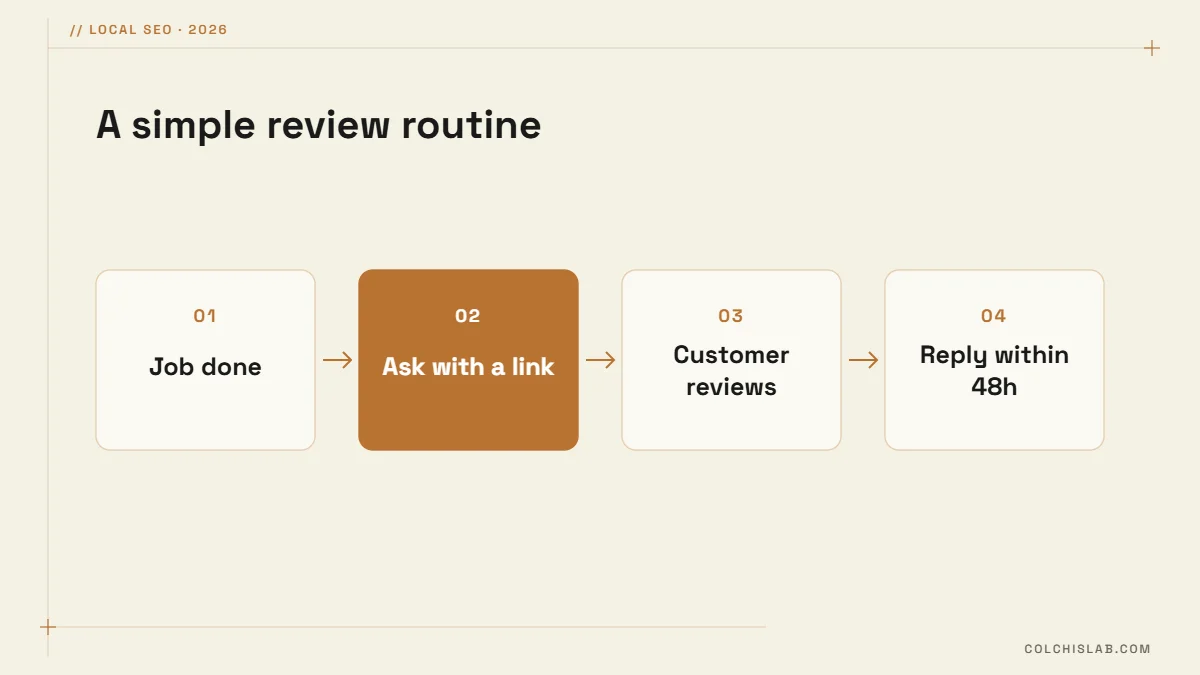
- Ask right after a good experience, by message or a QR code at the counter.
- Ask customers to mention the service they used and what stood out; specific reviews help both rankings and AI answers.
- Reply to every review within a day or two, positive and negative, calmly and briefly.
- Never buy reviews, offer rewards for them, or ask only happy customers through a filter; Google removes such reviews and can restrict the profile.
What Changed in 2025–2026
- Q&A is gone. Google discontinued the Q&A API in November 2025 and has been removing the public Q&A section from profiles. Move your common questions to a FAQ section on your website with FAQ markup.
- Chat was removed in 2024. Point customers to WhatsApp, a phone line or a website chat instead.
- AI answers in Maps. Google’s Gemini-powered answers summarize your profile, reviews and website. Completeness and detailed reviews matter more than ever; our guide to generative engine optimization covers the website side.
Mistakes That Get Profiles Suspended
- Adding keywords or city names to the business name.
- Using a virtual office or P.O. box as the address.
- Creating several profiles for the same location.
- Fake, bought or incentivized reviews.
- Changing name, address and category all at once, which can trigger re-verification.
Track What the Profile Brings
The Performance section shows calls, direction requests, website clicks and the searches that found you. Compare them month by month, and check that the profile link carries UTM tags so you see visits and enquiries in your analytics. If the profile is strong but rankings are not, the problem is often the website, so run our free website SEO audit next.
Google Business Profile optimization is not a one-time job: the profiles that win keep adding photos, posts and reviews every month. Our SEO optimization service sets up and maintains the profile together with the local SEO of your website. See our prices or ask for a profile review.
Is Google Business Profile free?
Yes. Creating, verifying and managing a Google Business Profile is free, and so is showing up in Google Maps and the local pack. You only pay if you choose to run Google Ads or Local Services Ads, which appear separately from the free listings.
How long does Google Business Profile verification take?
It depends on the method Google offers. Video, phone and email verification can complete within days, while postcard verification can take a couple of weeks. Google sometimes asks for extra review, especially for new businesses or after big changes to name, address or category.
How many categories can I add to my profile?
You can choose one primary category and up to nine additional ones. The primary category has the biggest effect on which searches you appear for, so pick the most specific option that describes your main business, and add secondary ones only if you really offer them.
Can I hide my address on Google Business Profile?
Yes, if you serve customers at their location, such as plumbers, cleaners or mobile services, and do not receive customers at your own address. You set a service area instead. Businesses with a storefront or office that customers visit should show the address.
Can I add keywords to my business name?
No. Google’s guidelines require the name you use in the real world, on your signage, website and documents. Adding keywords, cities or slogans can trigger a suspension, and competitors can report it. Put services and locations in the categories, description and services instead.
What replaced the Q&A section on Google Maps?
Google discontinued the Q&A API in November 2025 and has been removing the public Q&A section from Business Profiles. Questions are increasingly answered by AI in Maps, using your profile, reviews and website, so publish clear FAQs on your own site and keep the profile complete.