Table of Contents
Website Redesign: 9 Signs It's Time (and How to Keep Your SEO)
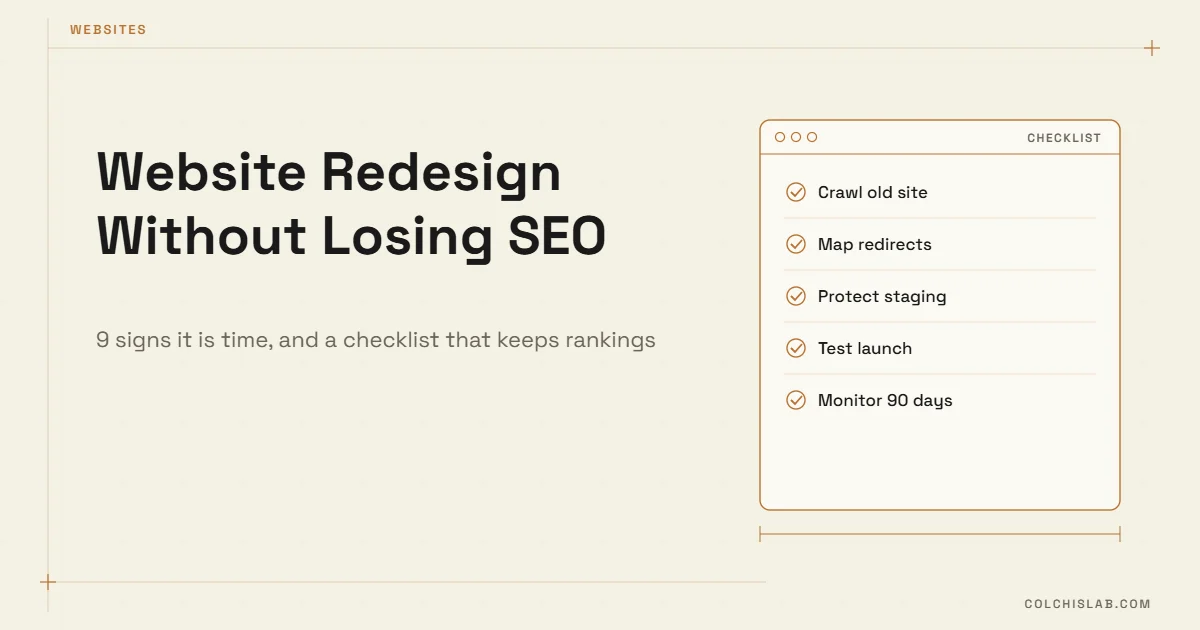
A website redesign checklist does two jobs: it tells you whether a redesign is worth the money at all, and it stops the new site from throwing away the search traffic the old one earned. The short answer: redesign when the site is slow on phones, hard to update, or no longer matches what you sell – and protect SEO by mapping every old URL to a new one with 301 redirects before launch.
Most traffic losses after a redesign are not caused by the new design. They come from changed URLs without redirects, deleted pages that used to rank, a staging site that went live still set to noindex, or long service pages cut down to fit a prettier layout. All of that is preventable. Below are the warning signs first, then the steps that protect your rankings.
Table of Contents
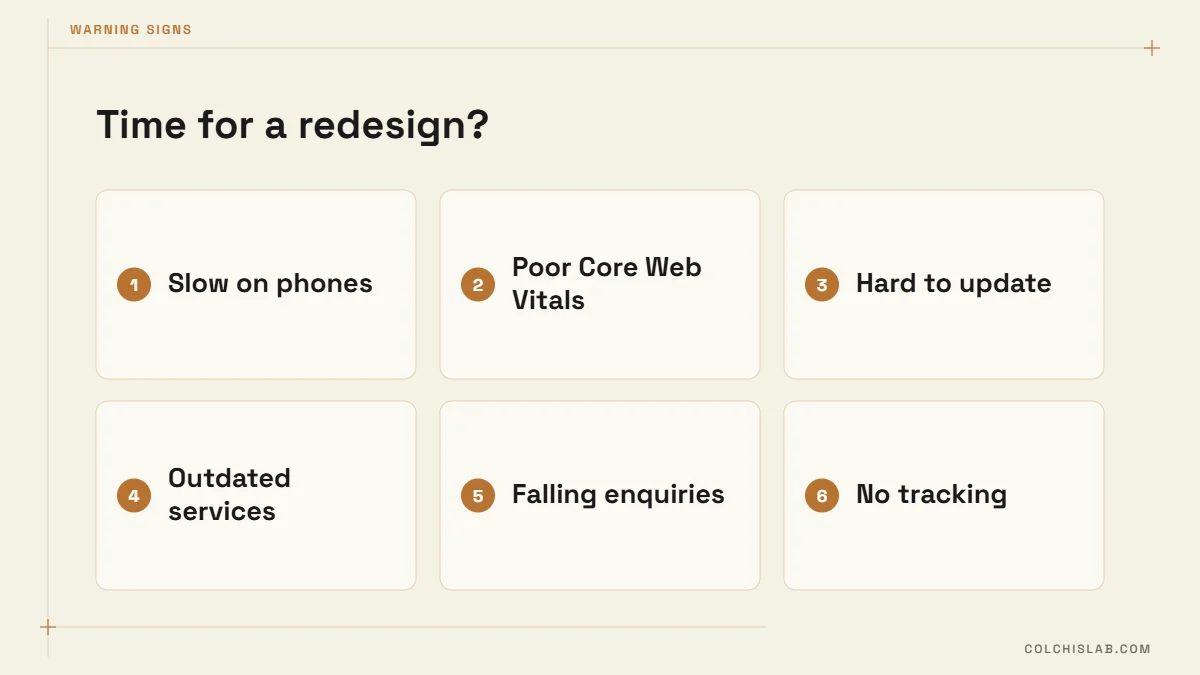
9 Signs It’s Time for a Website Redesign
Age alone is not a reason. A six-year-old site that loads fast and brings enquiries is doing its job. These are the signals that actually justify the cost – treat them as the first page of your website redesign checklist:
1. Mobile visitors leave faster than desktop visitors
In Google Analytics 4, compare engagement rate by device. If mobile is 20 or more points lower than desktop, the layout is fighting phone users: tap targets that are too small, popups that cover the page, text that needs zooming. For local businesses most searches now happen on a phone, so this gap costs real customers.
2. Core Web Vitals are in the red
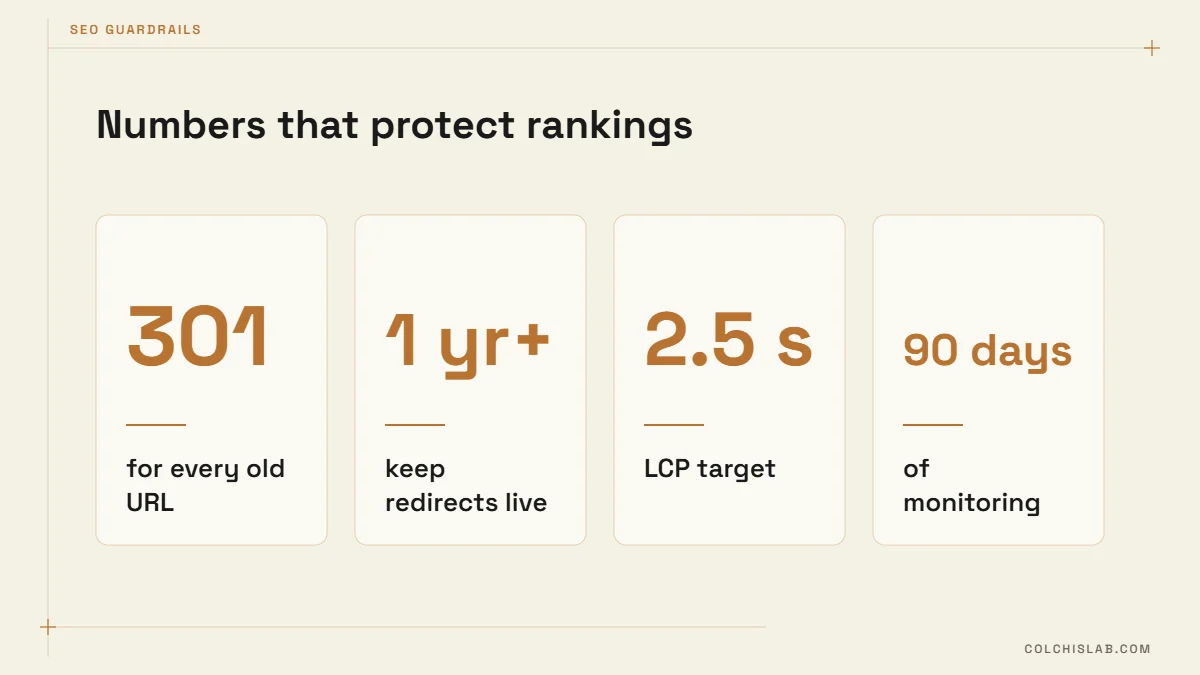
Google judges page experience with three field metrics measured at the 75th percentile of real visits: Largest Contentful Paint (good is 2.5 seconds or less), Interaction to Next Paint (200 ms or less) and Cumulative Layout Shift (0.1 or less). The thresholds are documented on Google’s web.dev. If PageSpeed Insights shows “Poor” and the cause is a heavy theme or page builder, another caching plugin will not fix it.
3. Every small change needs a developer
If updating a price, adding a service page or swapping a photo takes a ticket and a week, the content management side is broken. A good redesign gives your team editable blocks with the design locked, so pages stay consistent without a developer.
4. Your services changed, the site didn’t
New offer, new market, new pricing model – but the navigation is still built around what you sold three years ago. Visitors judge you by the menu. If your most profitable service is three clicks deep, it is invisible.
5. Leads arrive with the wrong expectations
When sales calls start with questions the site should answer – “do you work outside Tbilisi?”, “roughly how much?”, “how long does it take?” – the content structure is missing prices, process and proof.
6. Conversion rate has slid for a year
Traffic is flat or growing but form submissions and calls are falling. Usually the forms are too long, the calls to action are buried, or trust signals (reviews, cases, a real address) are missing above the fold.
7. Security and plugin debt
An abandoned theme, plugins without updates for a year, an outdated PHP version on the server. Each is a security risk, and together they make every future change slower and more fragile.
8. The brand looks older than the business
If you redesigned your logo, signage or packaging but the site still shows the old identity, people notice the mismatch – especially when they arrive from a modern Instagram profile.
9. You can’t measure anything
No GA4 conversion events, no Search Console, no call tracking. You cannot improve what you cannot see, and a redesign is the cheapest moment to build measurement in properly – so put analytics on your website redesign checklist from day one.
Refresh, Redesign or Rebuild?
Not every problem needs a new site. Pick the smallest scope that fixes the signs you checked above – the SEO risk grows with every URL and template you change, and so does the work on your website redesign checklist.
| Scope | What changes | SEO risk | Typical timeline |
|---|---|---|---|
| Visual refresh | Colours, fonts, images, spacing; same pages and URLs | Low | 2–4 weeks |
| Redesign, same platform | Layouts, navigation, content structure, some URLs | Medium | 6–10 weeks |
| Rebuild or replatform | New CMS, new URL structure, sometimes a new domain | High | 8–16 weeks |
Changing platforms raises the stakes because URL patterns usually change too. If you are weighing that move, read our comparison of WordPress vs Wix vs Shopify, and our breakdown of what a business website costs to budget each option.
Website Redesign Checklist: Before You Touch the Design
The SEO half of a website redesign checklist starts weeks before launch, while the old site is still live and still earning traffic:
- Crawl the old site. Export every URL with its title, meta description, H1 and status code. A crawler such as Screaming Frog (free up to 500 URLs) does this in minutes.
- List the pages you cannot lose. In Search Console, open Performance, set the last 16 months and export pages by clicks. Add GA4 landing pages that bring enquiries.
- Export your backlinks. Search Console’s Links report shows which pages other sites link to. Every one of those URLs needs a redirect.
- Record a benchmark. Organic sessions, conversions, top 50 query positions and Core Web Vitals – so you can prove later whether the new site is better.
- Keep URLs where you can. The safest redirect is the one you don’t need. Change a URL only when the old one is genuinely wrong.
- Build the redirect map. A spreadsheet with old URL → new URL, one row per page, pointing to the closest matching page – never everything to the homepage.
During the Build: What to Protect
This is the part of the website redesign checklist that gets skipped most often, because it happens while everyone is focused on how the new pages look:
- Content that ranks. Don’t cut a 1,200-word service page to 150 words because the mockup looked cleaner. Restyle it; keep the substance.
- Title tags and H1s of your top pages, unless you are deliberately improving them.
- Internal links. New menus and footers often drop links that old pages relied on. Compare internal link counts for your top 20 pages.
- Staging behind a password, not only a noindex tag – otherwise the noindex is easy to carry into production by accident.
- Structured data: LocalBusiness, FAQ and article schema need to be re-added on new templates.
- Images in WebP with alt text and fixed width and height, so layouts don’t jump and hurt CLS.
- Analytics and conversion events tested on staging before launch, not after.
Our technical SEO checklist covers the crawl and indexing settings in more depth.
Launch Day: The Two-Hour Check
Launch in a quiet window – a Tuesday morning, not a Friday evening – and run through the launch section of your website redesign checklist before telling anyone the new site is live:
- Untick “Discourage search engines” in WordPress Settings → Reading, and check robots.txt is not blocking the site.
- Test 20 redirects from your map, including the top 10 pages: each should return a single 301 hop to the right page.
- Submit the new XML sitemap in Search Console. If the domain changed, use Google’s Change of Address tool.
- Check canonical tags point to the new URLs, not to staging.
- Submit every form, test payment and booking flows, and tap phone and WhatsApp links on a real phone.
- Confirm GA4 is receiving page views and conversion events in real time.
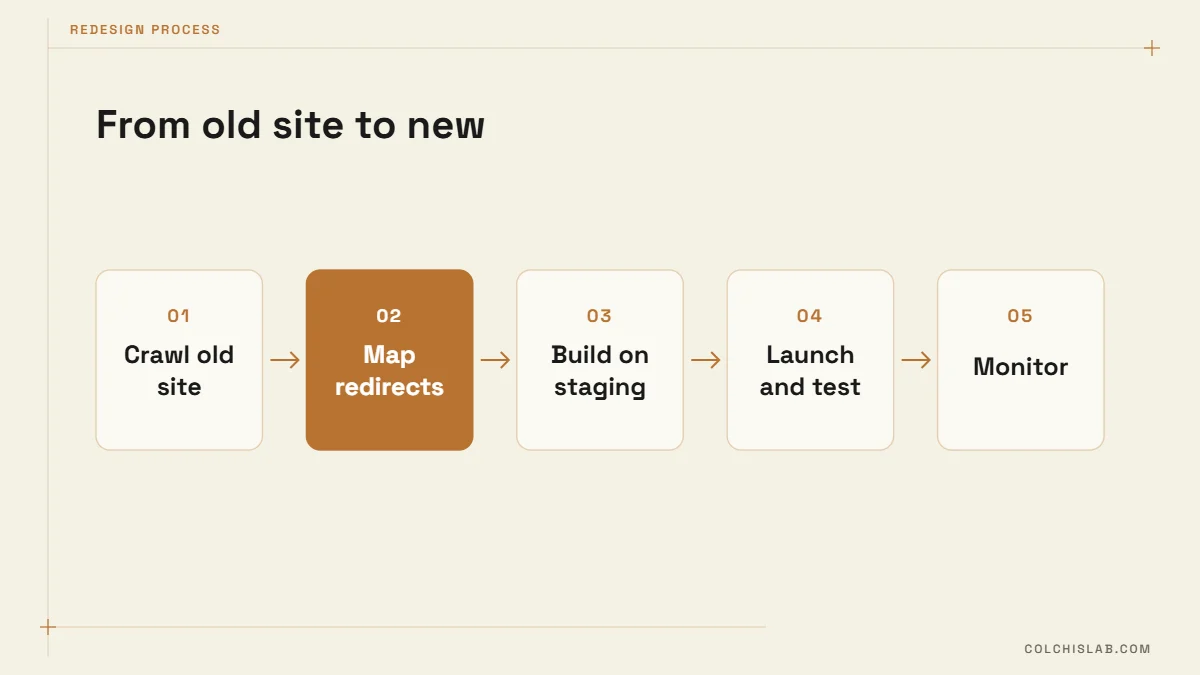
After Launch: Watch It for 90 Days
Some ranking movement in the first two to four weeks is normal while Google recrawls and reprocesses the site. Google’s own site move guidance recommends keeping redirects in place for at least a year, and longer is better – don’t let a hosting change or new plugin quietly remove them.
The final part of the website redesign checklist is a weekly review: 404 errors in the Search Console Pages report, positions for your top 50 queries against the benchmark, and organic conversions. If an important page drops and stays down after four weeks, compare old and new versions side by side – almost always something was removed: a section, internal links, or the page’s main heading. Fix 404s on old URLs that have backlinks first; they carry the most authority.
Where to Start
Run a free website SEO audit on the current site first – it often shows that a refresh plus technical fixes is enough. If a full redesign is justified, our web development team works from exactly this website redesign checklist, with the redirect map and 90 days of monitoring included as standard. Send us your current site and we’ll tell you which scope it needs.
How often should a business website be redesigned?
Many businesses redesign every three to five years, but age is the wrong trigger. Redesign when you see the signs: poor mobile experience, failing Core Web Vitals, falling enquiries, outdated services or a site your team cannot update.
Will a website redesign hurt my SEO?
It doesn’t have to. Rankings drop when URLs change without 301 redirects, ranking content is removed, or the site launches with noindex. Keep URLs where possible, redirect the rest one-to-one and keep the content that ranks – a website redesign checklist keeps all three under control.
What belongs on a website redesign checklist for SEO?
A full crawl of the old site, a list of top pages from Search Console, a backlink export, a benchmark, a one-to-one redirect map, a password-protected staging site, launch-day tests and 90 days of monitoring.
How long do rankings take to settle after a redesign?
Expect two to six weeks of movement while Google recrawls. If a key page is still down after a month, compare old and new versions – something important was usually removed.
Should I keep the same URLs when I redesign?
Yes, whenever they are reasonable. Unchanged URLs need no redirects and keep their history. Change a URL only when it is genuinely wrong, and then add a 301 redirect to the new address.
Can I redesign without changing platforms?
Yes. A redesign on the same platform – new layouts, navigation and content structure – is often cheaper and safer than a rebuild, and fixes most problems unless the platform itself is the bottleneck.